EasyManua.ls Logo

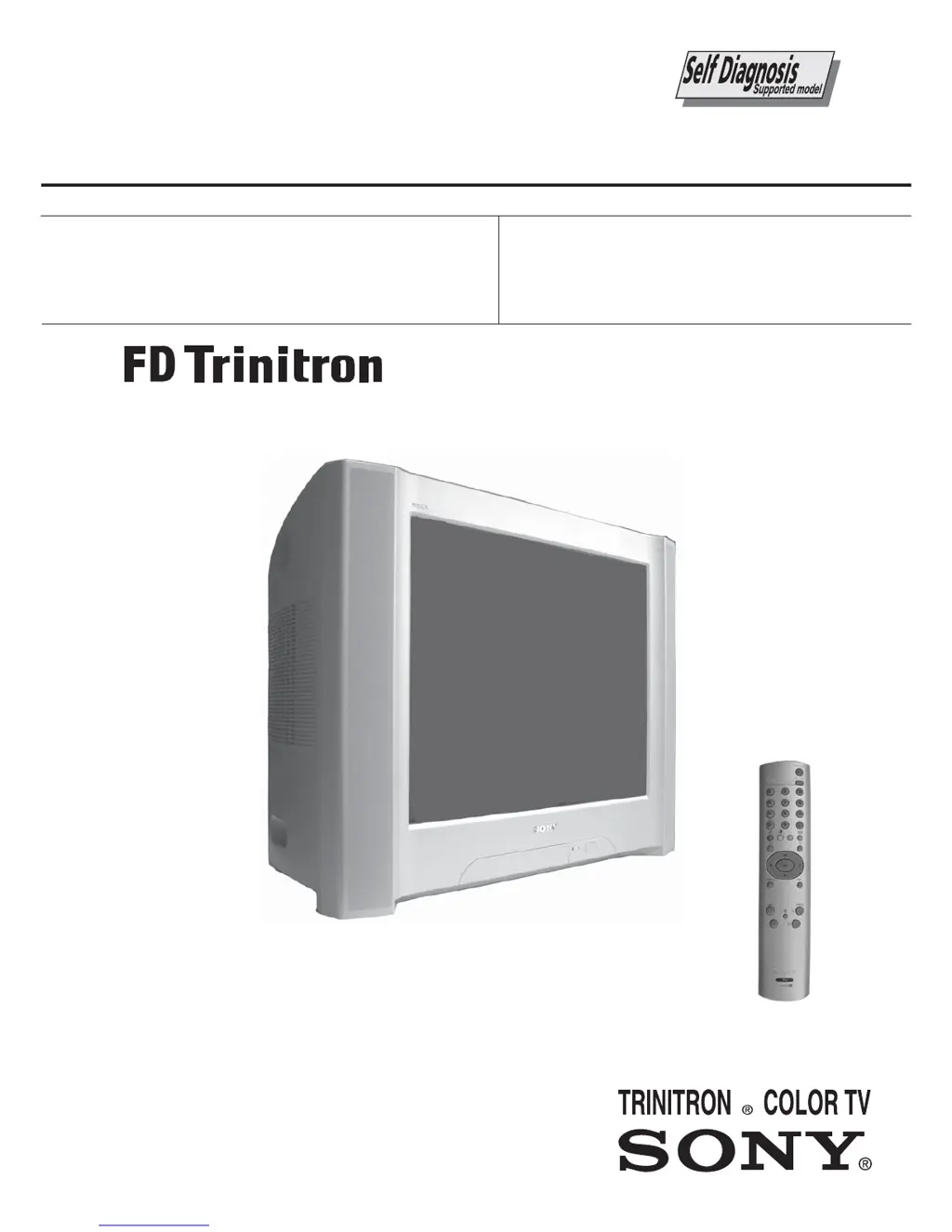
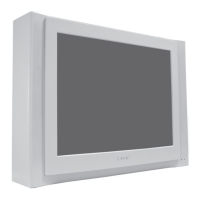
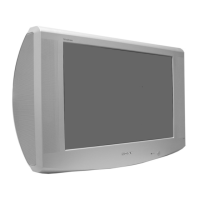
Sony FD Trinitron KV-29SE10B - User Manual

Sony FD Trinitron KV-29SE10B
59 pages
Print Icon
To Next Page IconTo Next Page
Loading...
- 1 -
SERVICE MANUAL
BX-1L
CHASSIS
MODEL
COMMANDER DEST CHASSIS NO.
KV-29SE10B
RM-EA005 FR SCC-V53A-A
KV-29SE10E
RM-EA005 ESP SCC-V51A-A
MODEL
COMMANDER DEST CHASSIS NO.
KV-29SE10
RM-EA005
KV-29SE10K
RM-EA005 OIRT SCC-V52A-A

Questions and Answers

  • T
    taylorbobbyAug 18, 2025
    What to do if my Sony FD Trinitron KV-29SE10B TV has good picture but no sound?
    • N
      Natasha CalderonAug 18, 2025
      If your Sony TV has a good picture but no sound, first, try pressing the volume + button on the remote control. Then, check to ensure that headphones are not connected to the TV.
  • K
    Kristen DuranAug 20, 2025
    What to do if my Sony TV has good picture, but distorted sound?
    • P
      paul99Aug 21, 2025
      If your Sony TV has good picture but the sound is distorted, use the menu system to access the “Manual Programme Preset” option within the “Channel Set Up” menu. From there, select the appropriate TV system in the “System” menu until the correct sound is restored.
  • H
    Heather CannonAug 23, 2025
    What to do if my Sony FD Trinitron KV-29SE10B TV has no picture or menu information from equipment?
    • L
      Lisa HillAug 23, 2025
      If your Sony TV displays no picture or menu information from connected equipment, verify that the connected equipment is powered on and that the correct input symbol is displayed on the TV screen.
  • M
    Michael FarrellAug 26, 2025
    What to do if my Sony FD Trinitron KV-29SE10B picture is noisy when viewing a TV channel?
    • K
      Kelly GouldAug 26, 2025
      If you're experiencing a noisy picture while watching a TV channel on your Sony TV, try these steps: * First, use the menu system to go to the “Manual Programme Preset” menu and adjust Fine Tuning (AFT) to improve the picture reception. * You can also try selecting the “Intelligent Picture” option in the “Picture” menu and setting it to “On” to reduce the noise.
  • L
    licliffordAug 28, 2025
    What to do if my Sony TV shows distorted picture when changing programmes or selecting Teletext?
    • J
      Jamie GriffinAug 28, 2025
      If your Sony TV shows a distorted picture when changing programmes or selecting Teletext, turn off any equipment connected to the Scart connectors on the rear of the TV.
  • R
    Ryan AndersonAug 31, 2025
    Why is there no picture and no sound on my Sony FD Trinitron KV-29SE10B TV?
    • H
      hjohnsonAug 31, 2025
      If your Sony TV shows no picture and produces no sound, try the following: Ensure the aerial is properly connected. Make sure the TV is plugged in and then press the power button on the front. If the standby indicator light is on, press the power button on the remote. As an additional step, switch the TV off using the button on the front for about 5 seconds, and then switch it back on.
  • J
    Joshua BentleySep 2, 2025
    What to do if my Sony TV remote control does not function?
    • L
      Lisa HuntSep 2, 2025
      If the remote control for your Sony TV is not working, the first step is to replace the batteries.
  • I
    ijohnsonSep 5, 2025
    How to fix poor picture but good sound on Sony FD Trinitron KV-29SE10B TV?
    • M
      morenoethanSep 5, 2025
      If your Sony TV has a poor picture quality but the sound is fine, you can reset the picture settings to the factory defaults. To do this, use the menu system to select the “Picture Adjustment” menu and then select “Reset”.
  • S
    stephencastilloSep 7, 2025
    Why is there no colour on colour programmes on my Sony TV?
    • J
      Jasmine JohnsonSep 7, 2025
      If your Sony TV is not displaying colour on colour programmes, try resetting the picture settings to factory defaults. Navigate to the “Picture Adjustment” menu using the menu system and select “Reset”.
  • K
    Kyle GuzmanSep 10, 2025
    What does it mean if the standby indicator on my Sony TV flashes red?
    • T
      Timothy AndersonSep 10, 2025
      If the standby indicator on your Sony TV is flashing red, contact your nearest Sony service centre.

Summary

BX-1 L SELF DIAGNOSTIC SOFTWARE

1. DIAGNOSTIC TEST INDICATORS

Explains error codes indicated by STANDBY LED flashes.

SECTION 1 GENERAL

Troubleshooting

Solutions for common picture and sound problems.

SECTION 2 DISASSEMBLY

2-5. Picture Tube Removal

Detailed steps for safely removing the picture tube.

SECTION 3 SET-UP ADJUSTMENTS

3-1. Beam Landing

Adjusting beam landing for proper picture geometry and convergence.

3-2. Convergence

Adjusting horizontal and vertical static convergence for color alignment.

3-4. Screen (G2), White Balance

Adjusting G2 control and white balance for optimal picture quality.

SECTION 4 CIRCUIT ADJUSTMENTS

4-1. Electrical Adjustments

Performing internal adjustments using the service remote commander.

4-2. TEST MODE 2

Accessing and using various test modes for diagnostics and adjustments.

SECTION 5 DIAGRAMS

5-3. SCHEMATIC DIAGRAMS AND PRINTED WIRING BOARDS

Detailed schematics and PWB layouts for troubleshooting.

SECTION 6 EXPLODED VIEWS

6-2. PICTURE TUBE

Exploded view of the picture tube assembly and related parts.

SECTION 7 ELECTRICAL PARTS LIST

C BOARD COMPLETE Parts List

Detailed list of parts for the C Board.

H2 BOARD COMPLETE Parts List

Detailed list of parts for the H2 Board.

Sony FD Trinitron KV-29SE10B Specifications

General IconGeneral
Screen Size29 inches
Display TypeCRT
Aspect Ratio4:3
TeletextYes
Screen TypeFlat
Inputs2 x SCART, S-Video
Sound OutputStereo

Related product manuals