4K Media Player
FMP-X5
Connecting a USB flash drive
You can connect a storage device to the 4K Media Player, and can then play video content stored on the storage device.
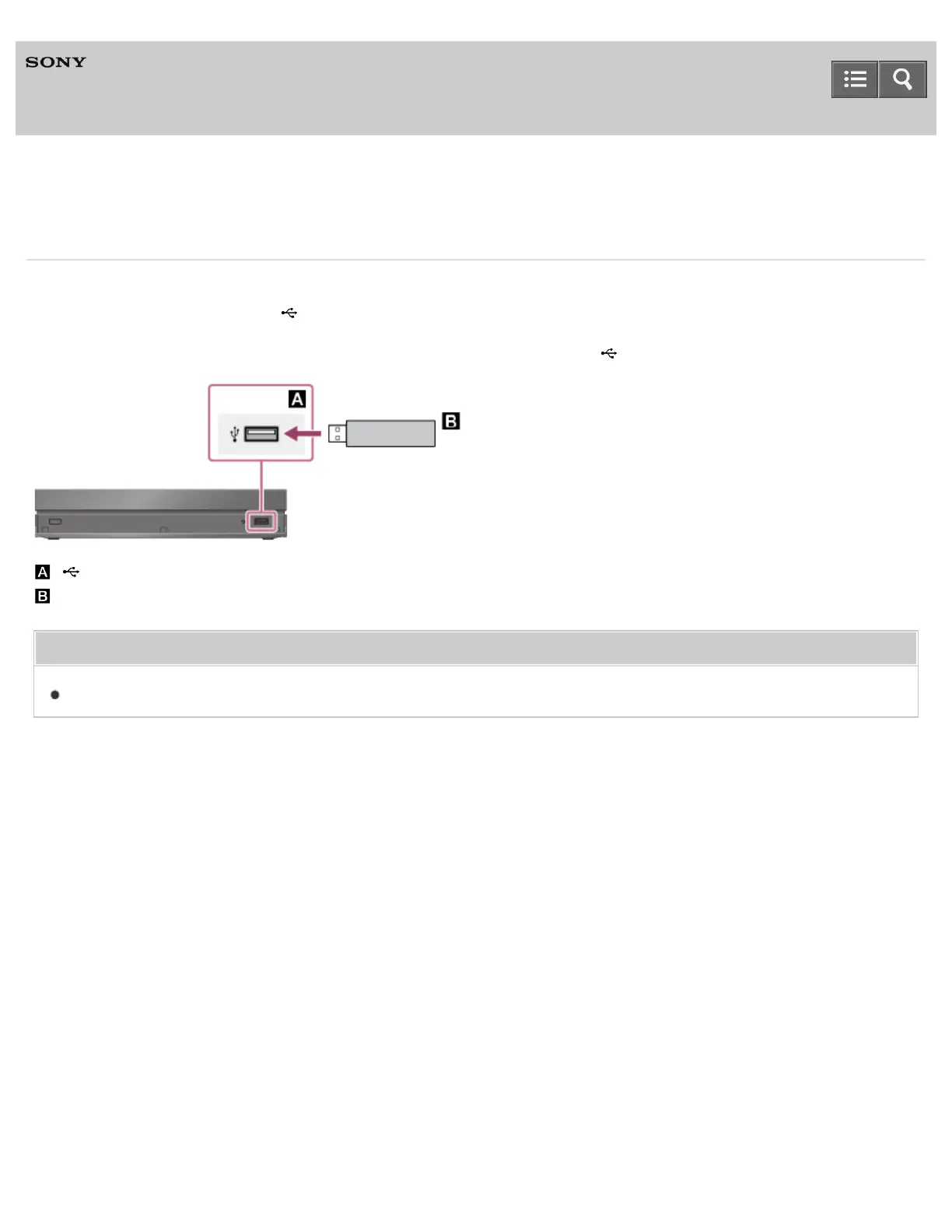
Connect a USB flash drive to the (USB) port on the front as illustrated below.
You can play non-copyrighted content on a USB flash drive connected to the (USB) port.
: (USB) port of the 4K Media Player
: USB flash drive
Related Topic
Enjoying 4K video content on a USB flash drive
4-541-609-11(1)
Copyright 2014 Sony Corporation
Help Guide



 To Next Page