4K Media Player
FMP-X5
Enjoying 4K video content on a 4K camcorder
Switch the input of the TV to the input to which the 4K Media Player is connected first.
Press / / / to select an item you want, then press to confirm.
1. Press HOME.
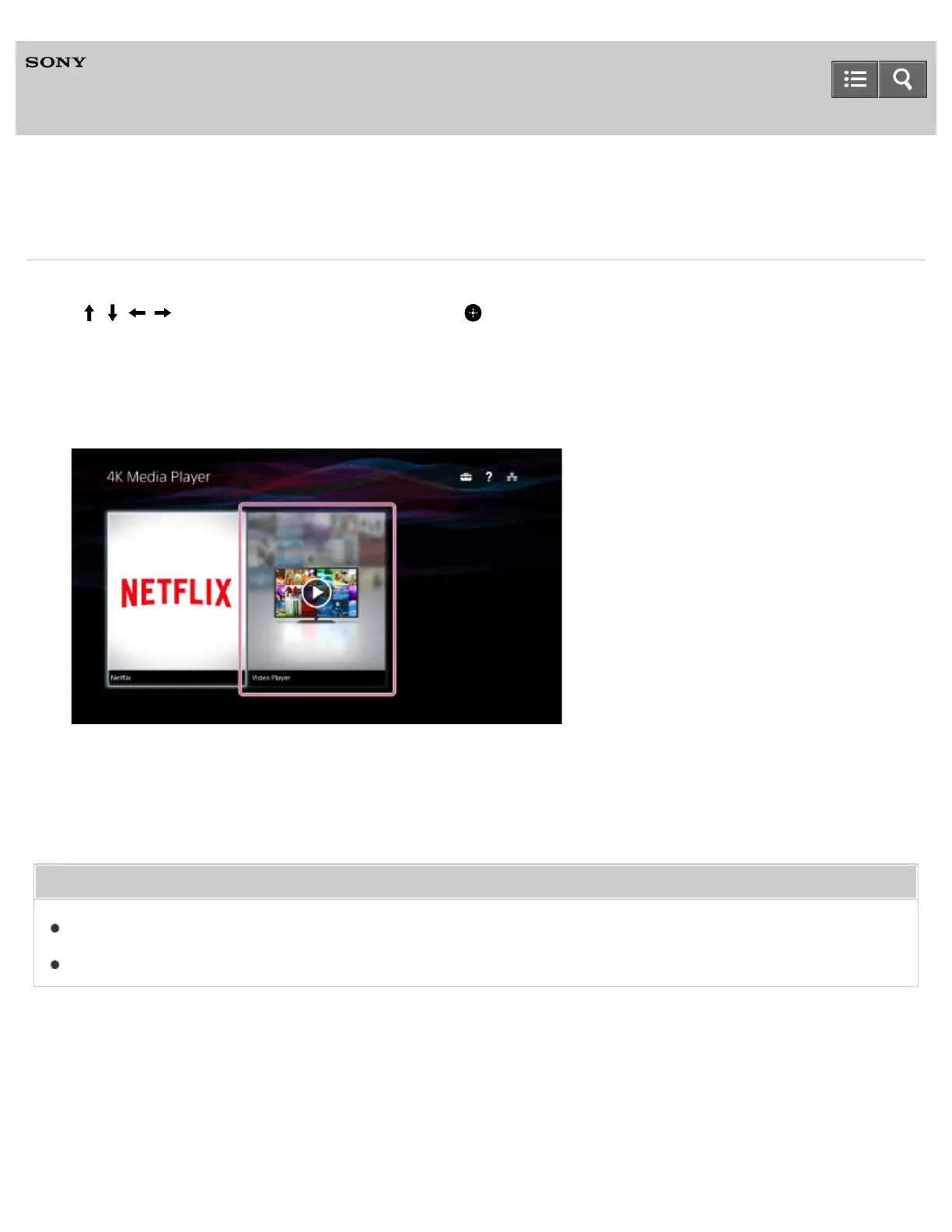
The Home menu appears.
2. Select [Video Player].
3. Select the content you want to play in the content list screen.
Playback starts.
Related Topic
Playable video file formats
Checking the series name of your BRAVIA TV
4-541-609-11(1)
Copyright 2014 Sony Corporation
Help Guide



 To Next Page