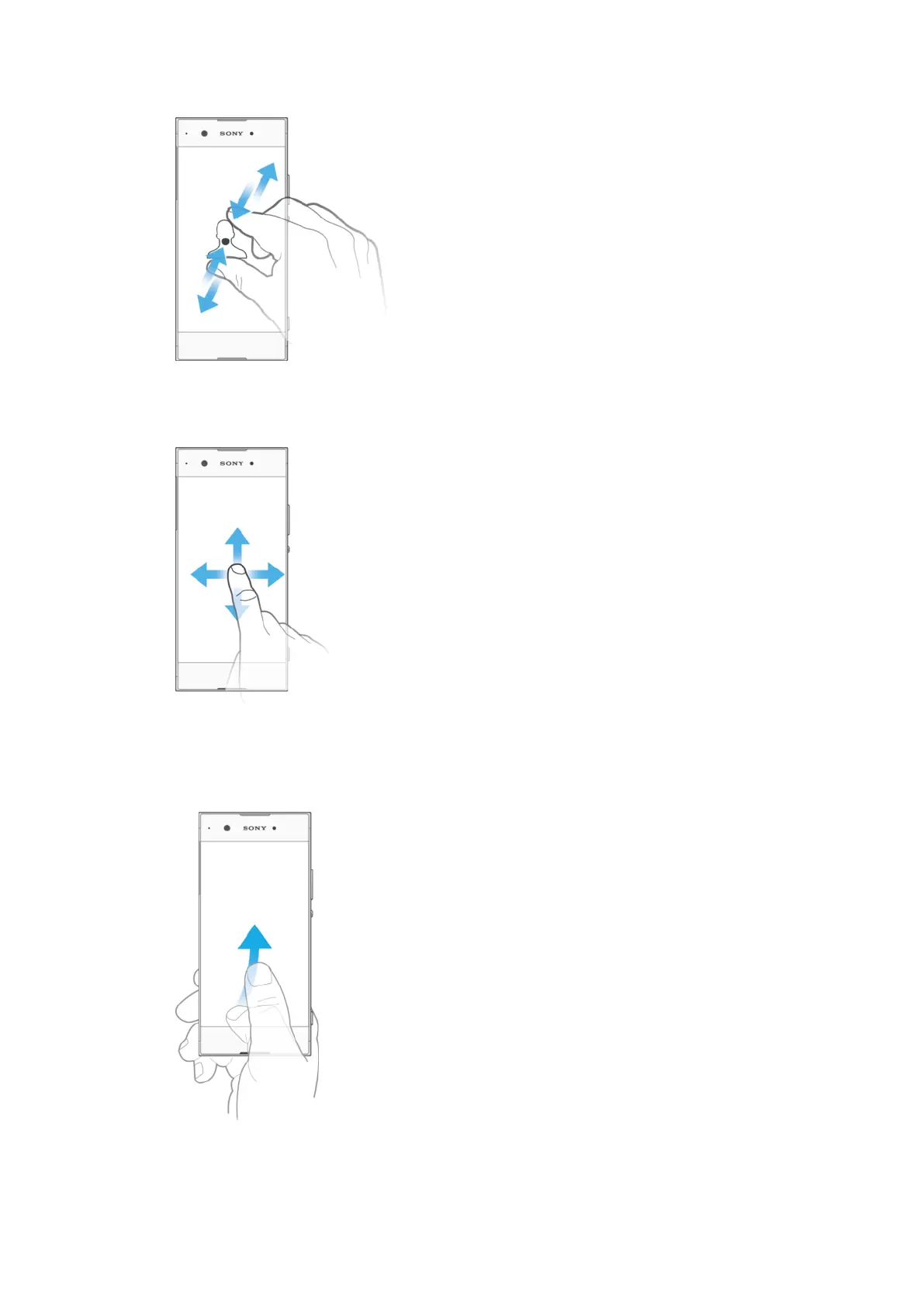
Pinching and spreading
•
Zoom in or out on web pages, photos and maps, and when you’re taking photos or
shooting videos.
Swiping
•
Scroll up or down a list.
•
Scroll left or right, for example, between Home screen panes.
•
Swipe left or right to reveal more options.
Flicking
•
Scroll quickly, for example, in a list or on a web page. You can stop the scrolling
movement by tapping the screen.
20
This is an internet version of this publication. © Print only for private use.



 To Next Page