Help Guide
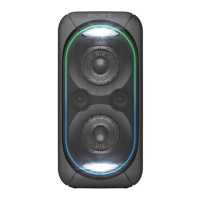
Home Audio System
GTK-XB72
Connecting the system to an AC outlet
Related Topic
Turning the power on
Deactivating the demonstration mode
4-748-029-41(1) Copyright 2019 Sony Corporation
Firmly insert the end of the AC power cord (mains lead) (supplied) to the AC IN jack on the rear of the
system, and then to an AC outlet (
).
The system is turned on in the demonstration mode and Speaker Lights start flashing automatically.
1



 To Next Page
 Loading...