Help Guide
Home Audio System
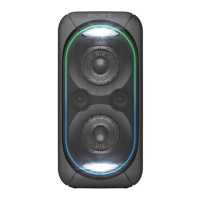
GTK-XB72
Using the BLUETOOTH standby function
The BLUETOOTH standby mode enables the system to turn on automatically when you establish a BLUETOOTH
connection from a BLUETOOTH device. At the time of purchase, this setting is set to off. This setting can only be
configured by using “ Sony | Music Center.” For details on “ Sony | Music Center,” see What you can do with “Sony |
Music Center”.
Press
(power) to turn on the system.
The
(power) indicator lights up in green.
1
Tap [Music Center] on your smartphone, iPhone, etc. to start up the application.
2
Tap [GTK-XB72].
3
Tap [Settings].
4



 To Next Page
 Loading...