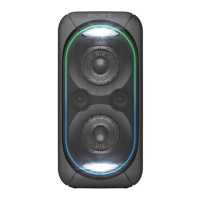
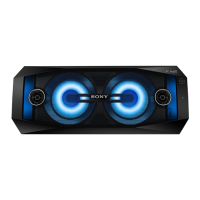
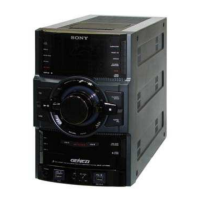
(power) button with indicator1.
(BLUETOOTH) indicator2.
USB indicator3.
AUDIO IN indicator4.
FUNCTION/ PAIRING button
Press repeatedly to select the BLUETOOTH, USB, or AUDIO IN function.
When the BLUETOOTH function is selected, hold down to activate BLUETOOTH pairing.
Press to stop the built-in sound demonstration.
5.
/ (previous/next) buttons
Press to select a track or file.
6.
Built-in microphone7.
(play/pause)/ (call) button
*
8.
(N-Mark)9.
ADD button with indicator10.
W.PARTY CHAIN/
LIGHT button with indicator11.
LIVE button with indicator12.
EXTRA BASS button with indicator13.
–/+ (volume) buttons
*
Press to adjust the volume.
14.



 To Next Page
 Loading...