• Activate an item-specific menu.
• Activate selection mode, for example, to select several items from a list.
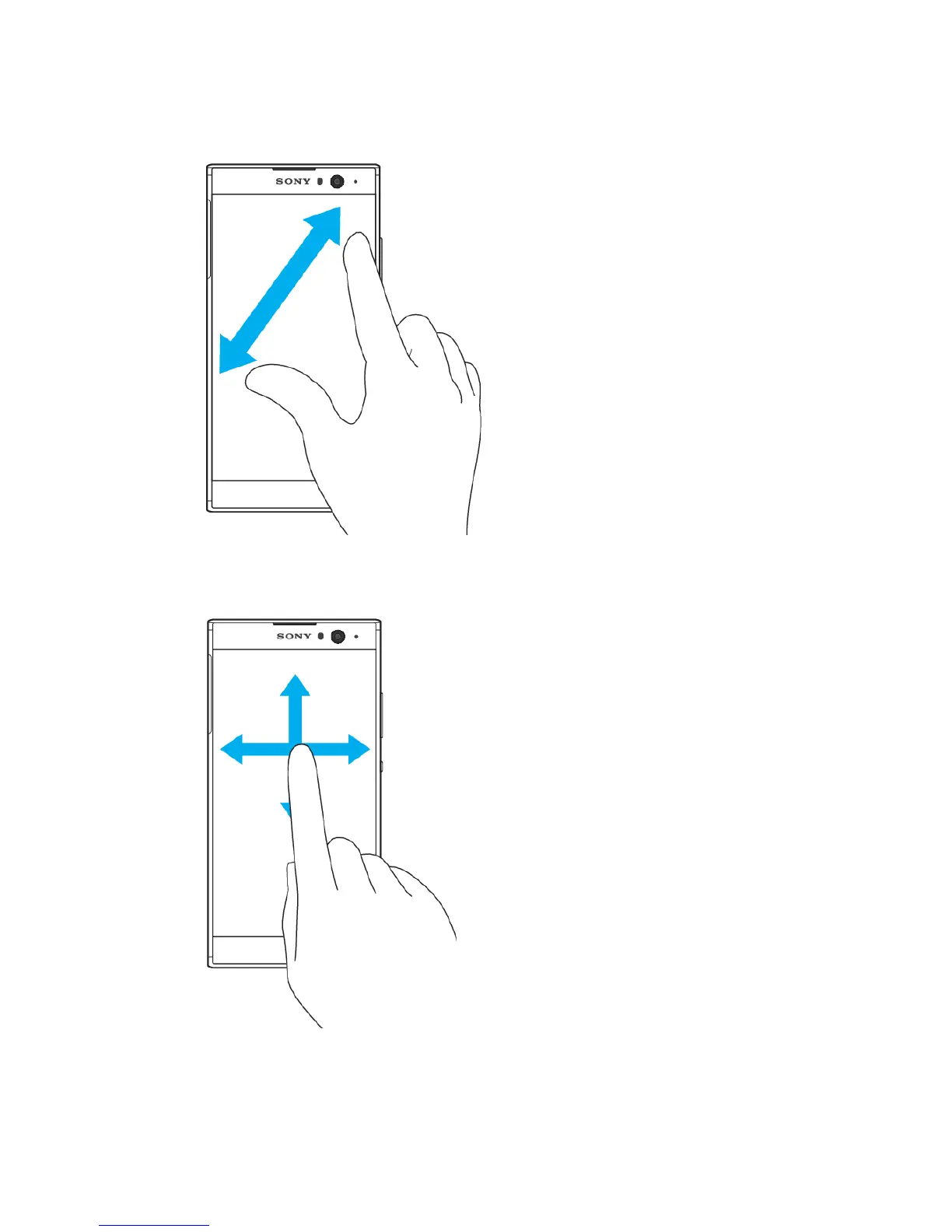
Pinching in and out
• Pinch in and out on web pages, photos and maps, and when you’re taking photos
or shooting videos.
Swiping
• Scroll up or down a list.
• Scroll left or right, for example, between Homescreen panes.
• Swipe left or right to reveal more options.
19
This is an internet version of this publication. © Print only for private use.












 To Next Page