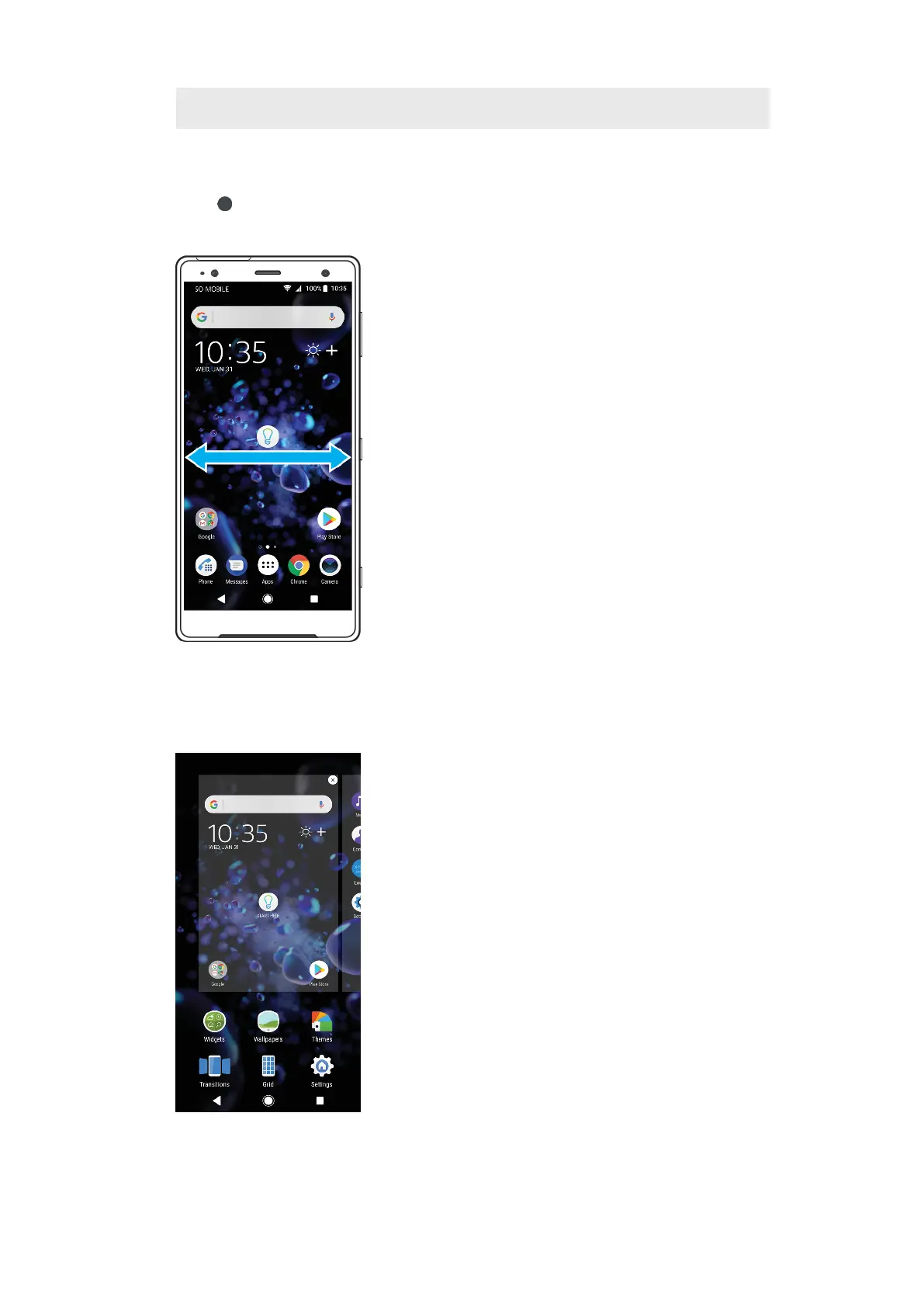
1 Welcome to Xperia widget — Tap to open the widget and select a task such as copying content
from your old device or setting up Xperia services
2 Dots — Represents the number of Home screen panes
To go to the Home screen
• Press .
To browse the Home screen
Home screen panes
You can add new panes to your Home screen (up to a maximum of twenty panes)
and delete panes. You can also set the pane that you want to use as the main
Home screen pane.
22
This is an internet version of this publication. © Print only for private use.









 To Next Page