2
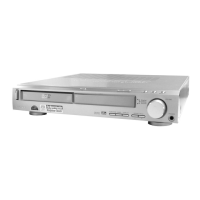
HCD-SB500W
Notes on chip component replacement
• Never reuse a disconnected chip component.
• Notice that the minus side of a tantalum capacitor may be
damaged by heat.
Flexible Circuit Board Repairing
• Keep the temperature of the soldering iron around 270 ˚C
during repairing.
• Do not touch the soldering iron on the same conductor of the
circuit board (within 3 times).
• Be careful not to apply force on the conductor when soldering
or unsoldering.
CAUTION
Use of controls or adjustments or performance of procedures
other than those specified herein may result in hazardous radiation
exposure.
SAFETY-RELATED COMPONENT WARNING!!
COMPONENTS IDENTIFIED BY MARK 0 OR DOTTED LINE
WITH MARK 0 ON THE SCHEMATIC DIAGRAMS AND IN
THE PARTS LIST ARE CRITICAL TO SAFE OPERATION.
REPLACE THESE COMPONENTS WITH SONY PARTS WHOSE
PART NUMBERS APPEAR AS SHOWN IN THIS MANUAL OR
IN SUPPLEMENTS PUBLISHED BY SONY.
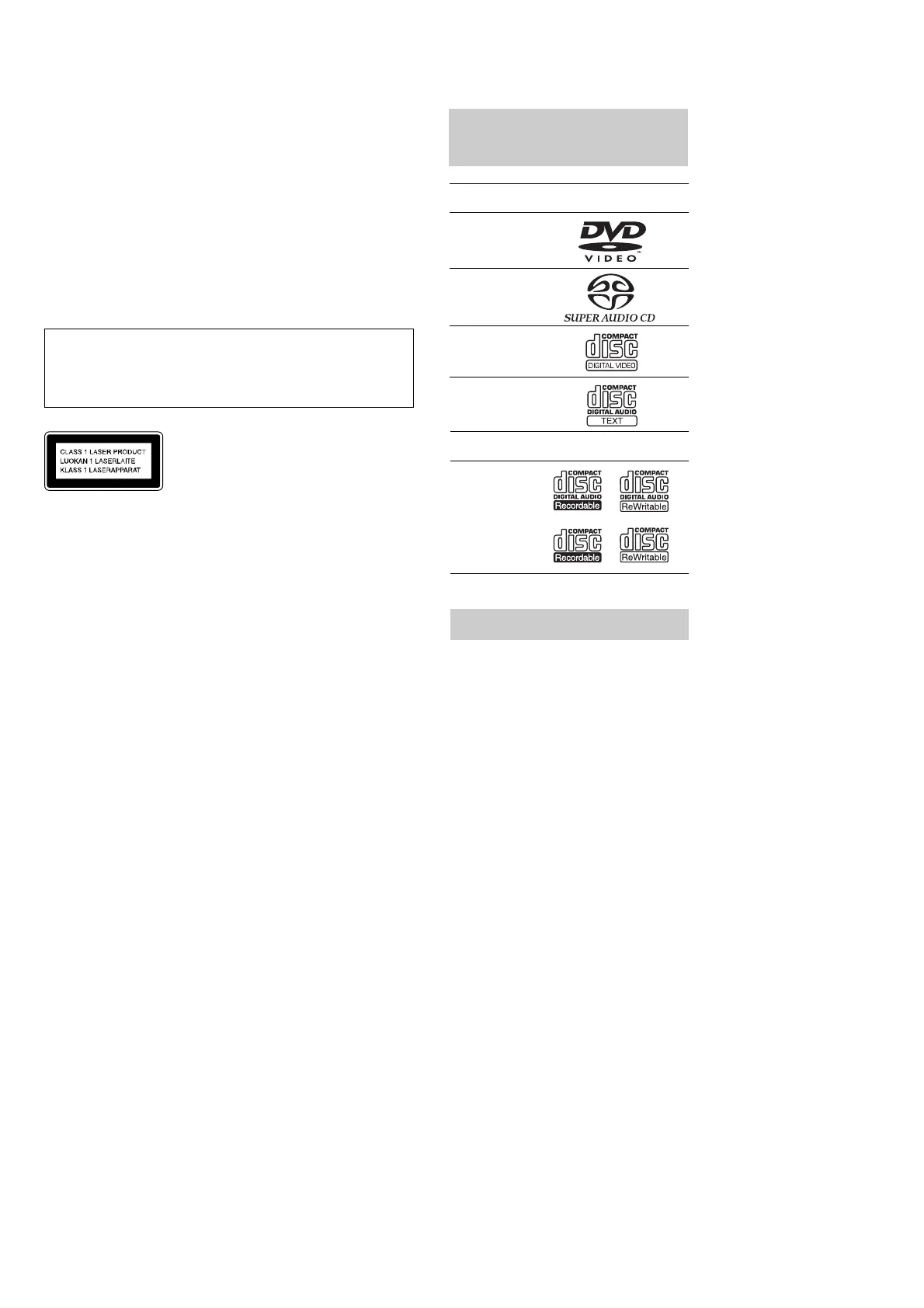
This appliance is classified as
a CLASS 1 LASER product.
The CLASS 1 LASER
PRODUCT MARKING is
located on the rear exterior.
This System Can Play the
Following Discs
Format of
discs
Disc logo
DVD VIDEO
Super Audio
CD
VIDEO CD
Audio CD
The “DVD VIDEO” logo is a trademark.
• Title
The longest section of a picture or music
feature on a DVD, movie, etc., in video
software, or the entire album in audio
software.
• Chapter
Section of a picture or a music piece that is
smaller than titles. A title is composed of
several chapters. Depending on the disc, no
chapters may be recorded.
• Album
Section of a music piece or an image on a data
CD containing MP3 audio tracks or JPEG
files.
• Track
Section of a picture or a music piece on a
VIDEO CD, Super Audio CD, CD, or MP3.
• Index (Super Audio CD, CD) / Video
Index (VIDEO CD)
A number that divides a track into sections to
easily locate the point you want on a VIDEO
CD or Super Audio CD. Depending on the
disc, no indexes may be recorded.
• Scene
On a VIDEO CD with PBC functions, the
menu screens, moving pictures and still
pictures are divided into sections called
“scenes.”
• File
Section of a picture on a data CD containing
JPEG image files.
CD-R/CD-RW
(audio data)
(MP3 files)
(JPEG files)
Terms for Discs
Format of
discs
Disc logo


 To Next Page