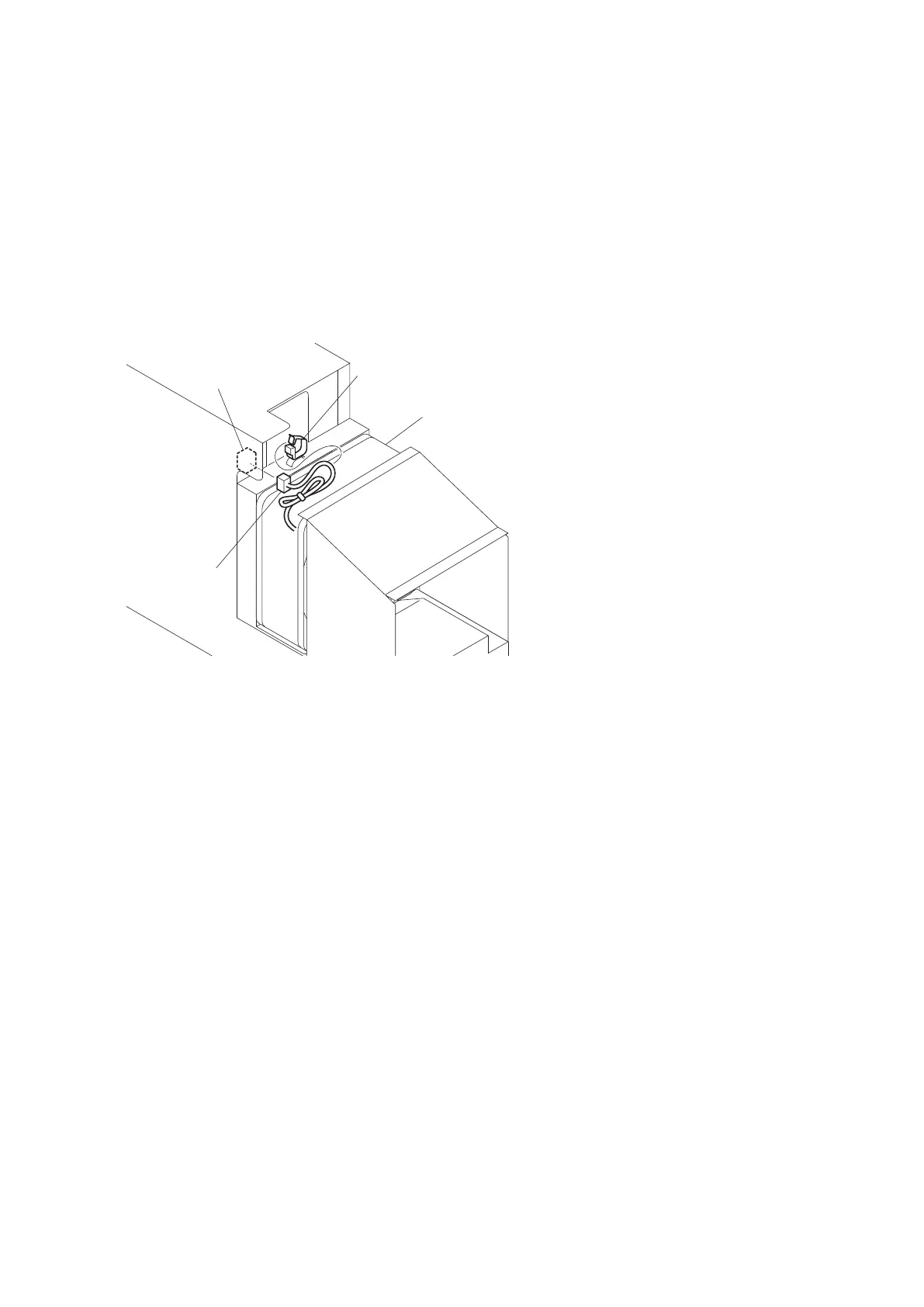
2-14. DC Fan (Power)
Preparation
1. Remove the front panel assembly. (Refer to “2-3. Front Panel Assembly”)
2. Remove the top cover. (Refer to “2-4. Top Cover”)
3. Remove the power block assembly (D00). (Refer to “2-13. Power Block Assembly (D00)”)
Procedure
1. Disconnect the harness from the connector (CN8003) on the RE-274 board.
2. Release the harness from the clamp.
Harness
DC fan
Clamp
CN8003
(RE-274 board)
3. Remove the two screws (K3 x 6, PSW3 x 6) to detach the fan cover plate.
HDFX200
2-26



 To Next Page