Getting Started
To reduce the risk of fire or electric shock, carefully respect the following instructions
• Do not use this apparatus near Water
• Clean only with dry cloth
• Do not block any ventilations opening
• Do not install near any heat sources (radiators, stoves, amplifiers)
• Protect the power cord
• Do not use the AC Adaptor placed in a narrow space, such as between a wall and a furniture
• Unplug during lightning storms or when unused for long periods of time
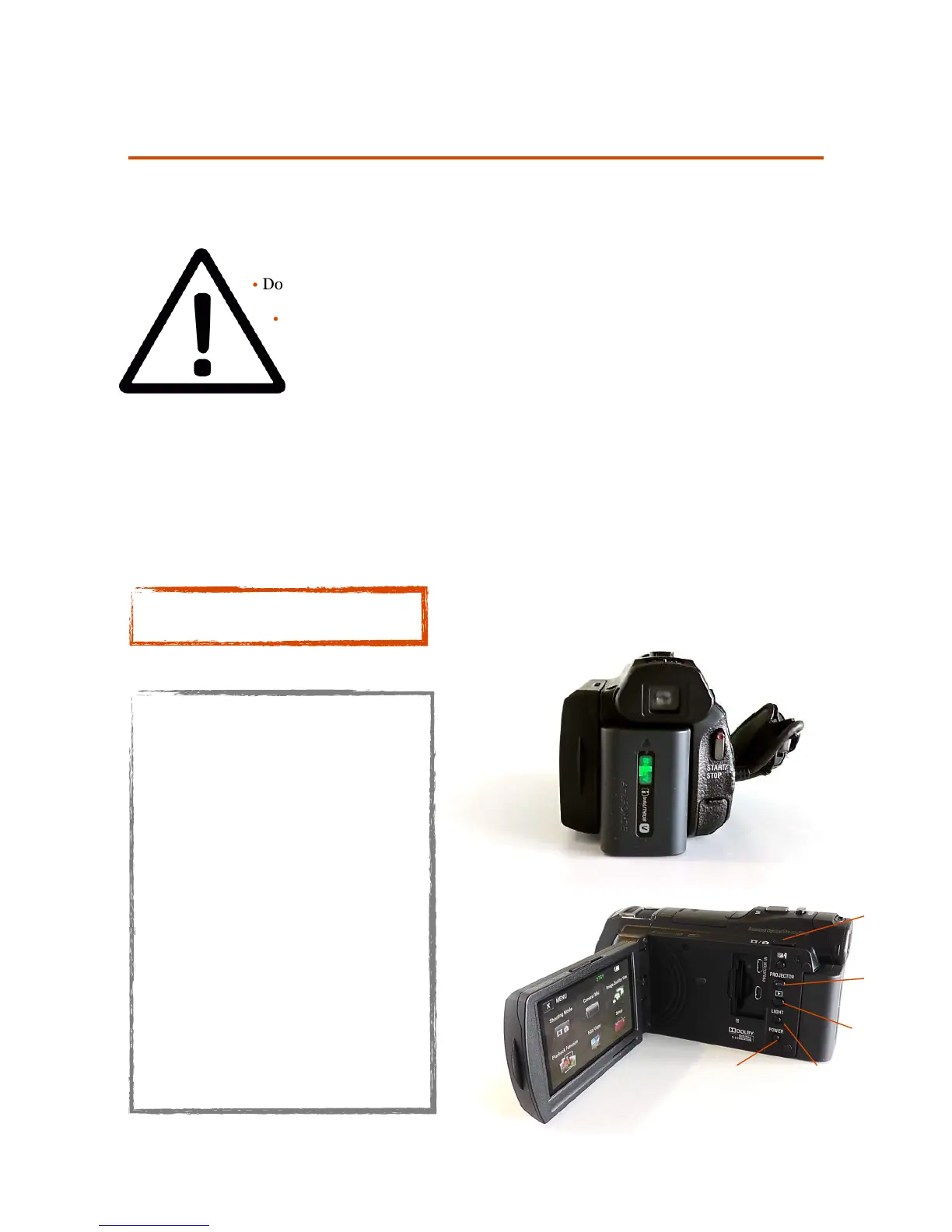
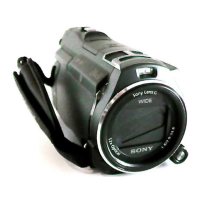
1. Start/Stop button
2. DC IN Jack
3. Camcorder cable
4. LCD monitor/Touch panel
5. Battery pack
6. Photo button
7. Power Zoom lever
8. Projector Focus lever
9. Memory card slot
10. Suppresses the voice of the
person recording the movie
11. Projector button
12. View images button
13. Video light button
14. Shooting Mode (Photo/Video)
15. Power button


 To Next Page