1-3 (E)
HDVF-C30W
1-6. Functions of On-board Switches and Controls
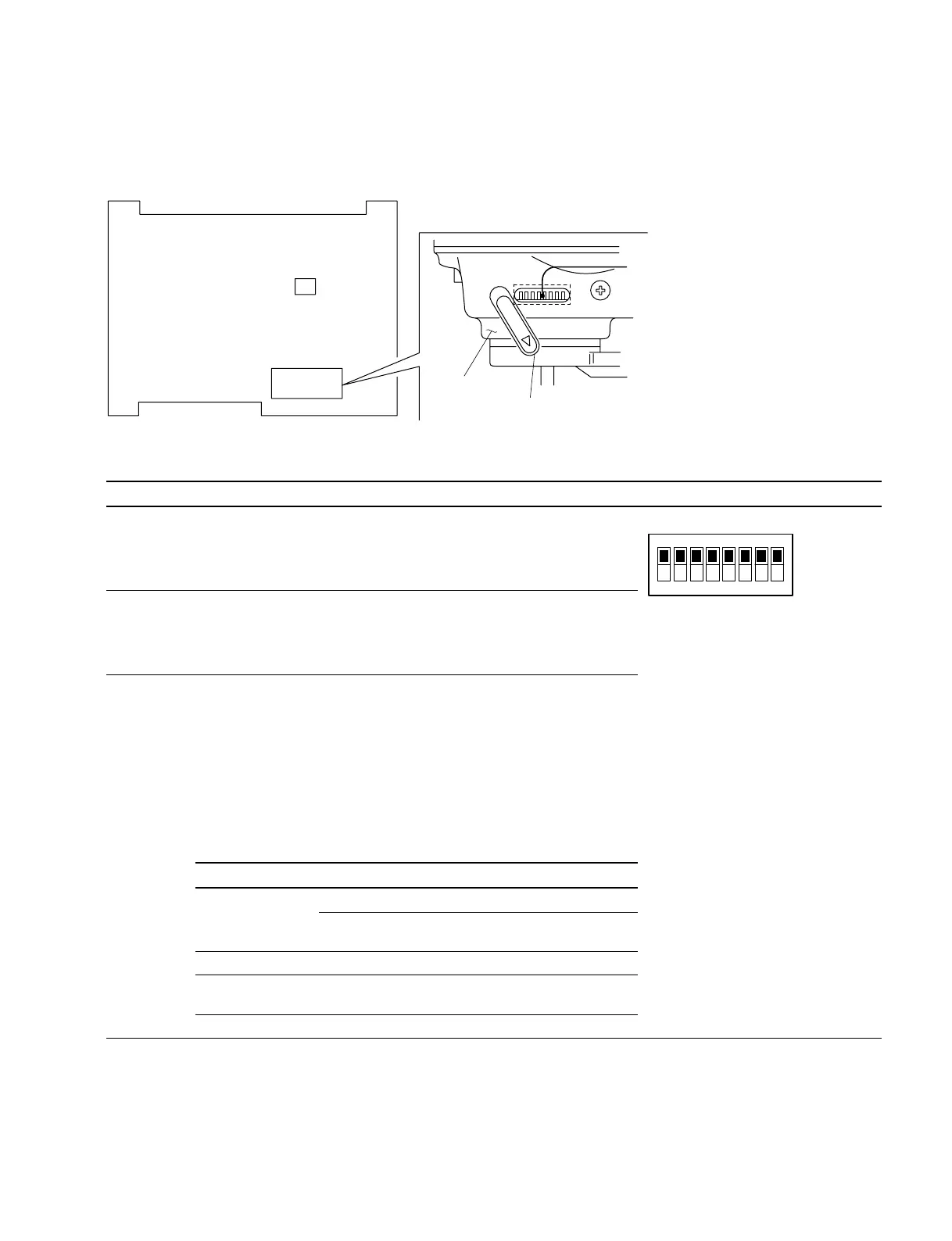
1-6-1. PR-267 Board
S1
S1
S2
Switch cover
Side panel
S1 Switch
Ref. No. Description Factory setting
S1-1 Selects whether to enable all of the indicators in the upper and lower sections
of the LCD screen, or only the BATT indicator.
OFF : Enable all indicators.
ON : Enable the BATT indicator only.
S1-2 Selects the function of the B&W button on the front panel, B&W display priority
or grayscale display priority.
OFF : Priority given to B&W display.
ON : Priority given to grayscale display.
S1-3
Selects whether the PEAKING variable resistor (RV2/VR-208 board) on the front
panel and the PEAKING control on the side panel should work together with
the MAG button on the front panel or the SEL1/SEL2 switch on the side panel.
OFF : Work together with the SEL1/SEL2 switch.
ON : Work together with the MAG button.
This allows you to use different peaking settings for magnified and normal
display.
The following table shows the relationship between switch S1-3 settings and
the times when the PEAKING control and the PEAKING variable resistor are
enabled and disabled.
S1-3: OFF S1-3: ON
SEL1/SEL2 switch
MAG button
SEL1 SEL2 ON OFF
(Magnified display) (Normal display)
PEAKING control
*
Yes No No Yes
PEAKING adjustment
variable resistor
*
No Yes Yes No
* : Refer to the Section 1-6-2. (Yes : Enabled, No : Disabled)
(Continued to next page)
12345678
OFF (Upper side)All OFF
ON (Lower side)



 To Next Page