35
US
Making Dialogs Clearer
(VOICE)
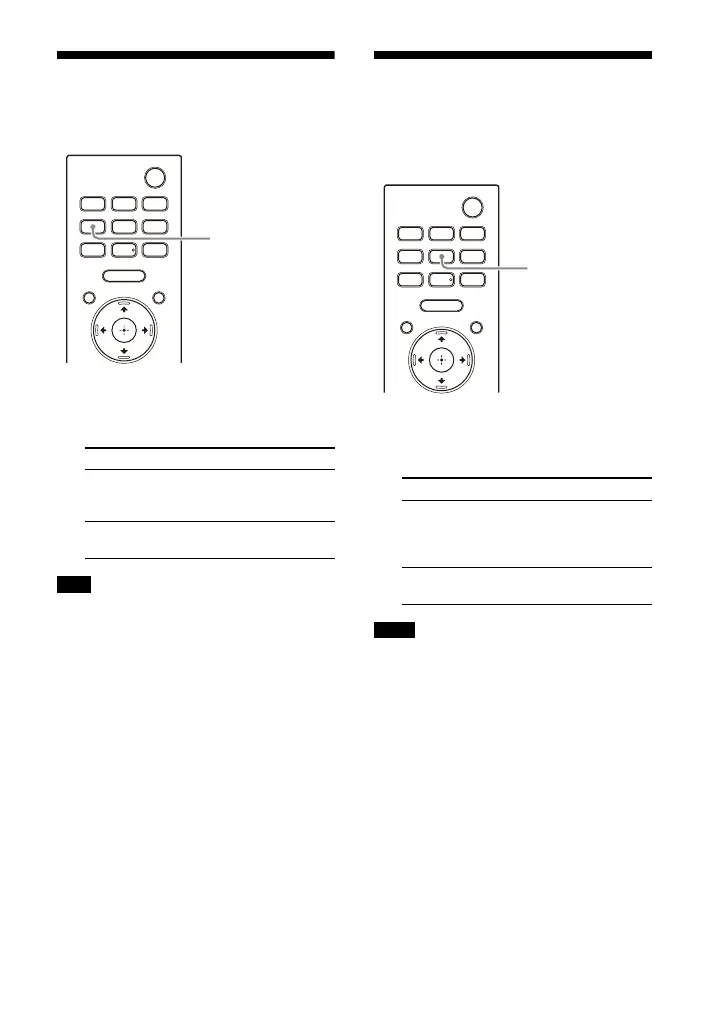
1 Press VOICE to select the setting.
The setting appears in the front
panel display.
When the BLUETOOTH device is connected
in BLUETOOTH transmission mode
(page 29), the voice mode is disabled.
Enjoying Clear Sound
with Low Volume at
Midnight (NIGHT)
1 Press NIGHT to select the setting.
The setting appears in the front
panel display.
• When you turn the speaker system off,
this setting is set to [N.OFF] automatically.
• When the BLUETOOTH device is
connected in BLUETOOTH transmission
mode (page 29), the night mode is
disabled.
Setting Explanation
[Vo.ON] Dialog is easily heard by
enhancing dialog
range.
[Vo.OFF] Deactivates the voice
mode function.
Note
Setting Explanation
[N.ON] Sound is output at low
volume with minimum
loss of fidelity and
clarity of dialog.
[N.OFF] Deactivates the night
mode function.
Notes



 To Next Page