6
Listen to sound
TV
TV input switch
To listen to the audio of the TV
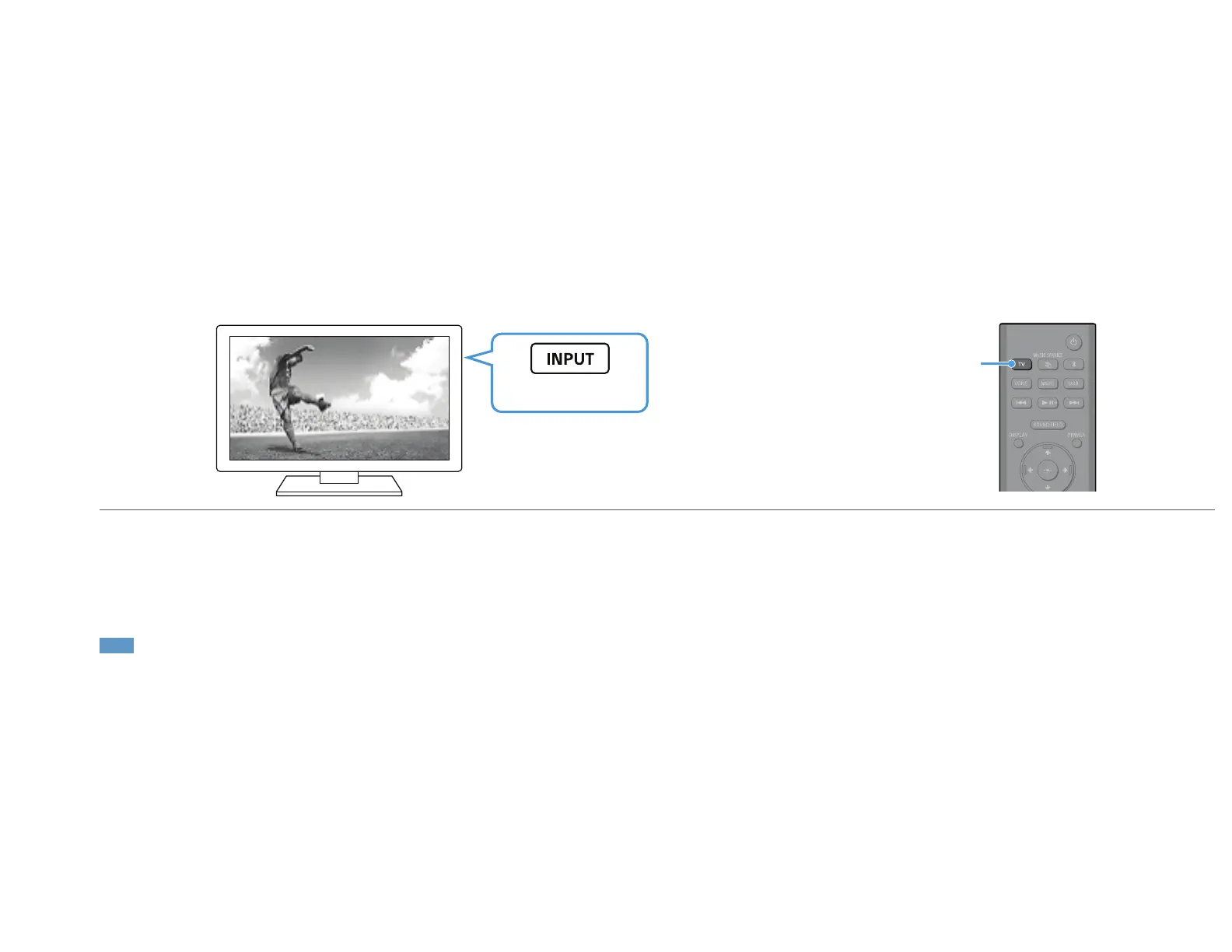
Select the desired input to the TV using the TV remote control.
The screen switches to the selected input screen and the TV audio is output from the speaker system.
If [TV] does not appear in the front panel display on the speaker system, press TV on the remote control of the speaker system to select the TV input. [TV] appears in the front panel
display on the speaker system.
Note
Depending on the order in which you turn on the TV and speaker system, the speaker system may be muted and [MUTING] may appear in the front panel display on the speaker system. If this happens, turn on the
TV first, then the speaker system.


 To Next Page
 Loading...













