5
Perform Initial Settings
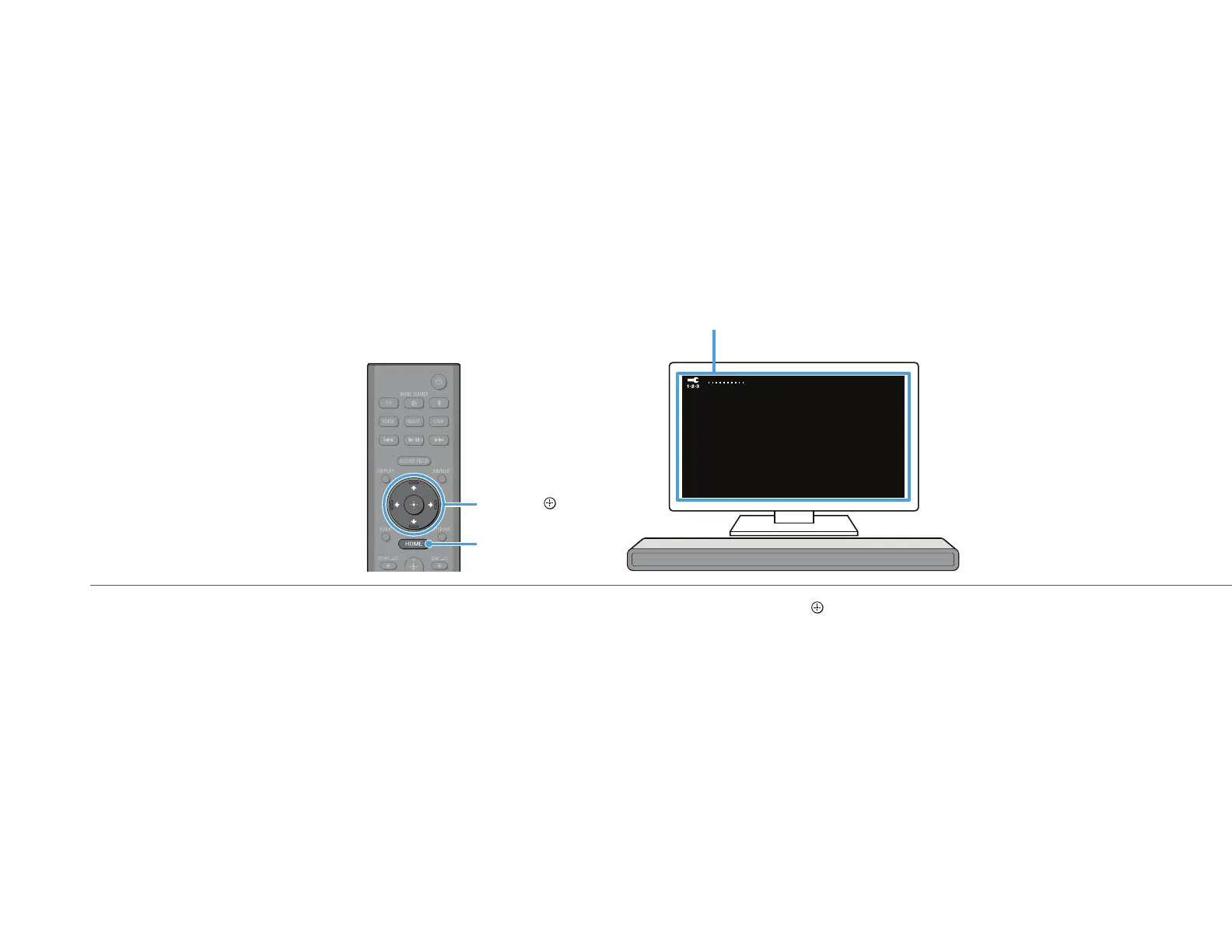
Initial Settings screen
HOME
j//V/p/
Follow the instructions on the screen displayed on the TV to perform initial settings with j//V/p and .
If the initial setting screen is not displayed, use the TV remote control to switch the input on the TV to the HDMI input that is connected to the speaker system, then press HOME on the
remote control of the speaker system.
If you use the optional subwoofer/rear speakers, connect them by following the instructions on the [Checking Wireless Speaker Connection] screen.
Once [Setup is complete.] appears, select [Learn more].


 To Next Page
 Loading...













