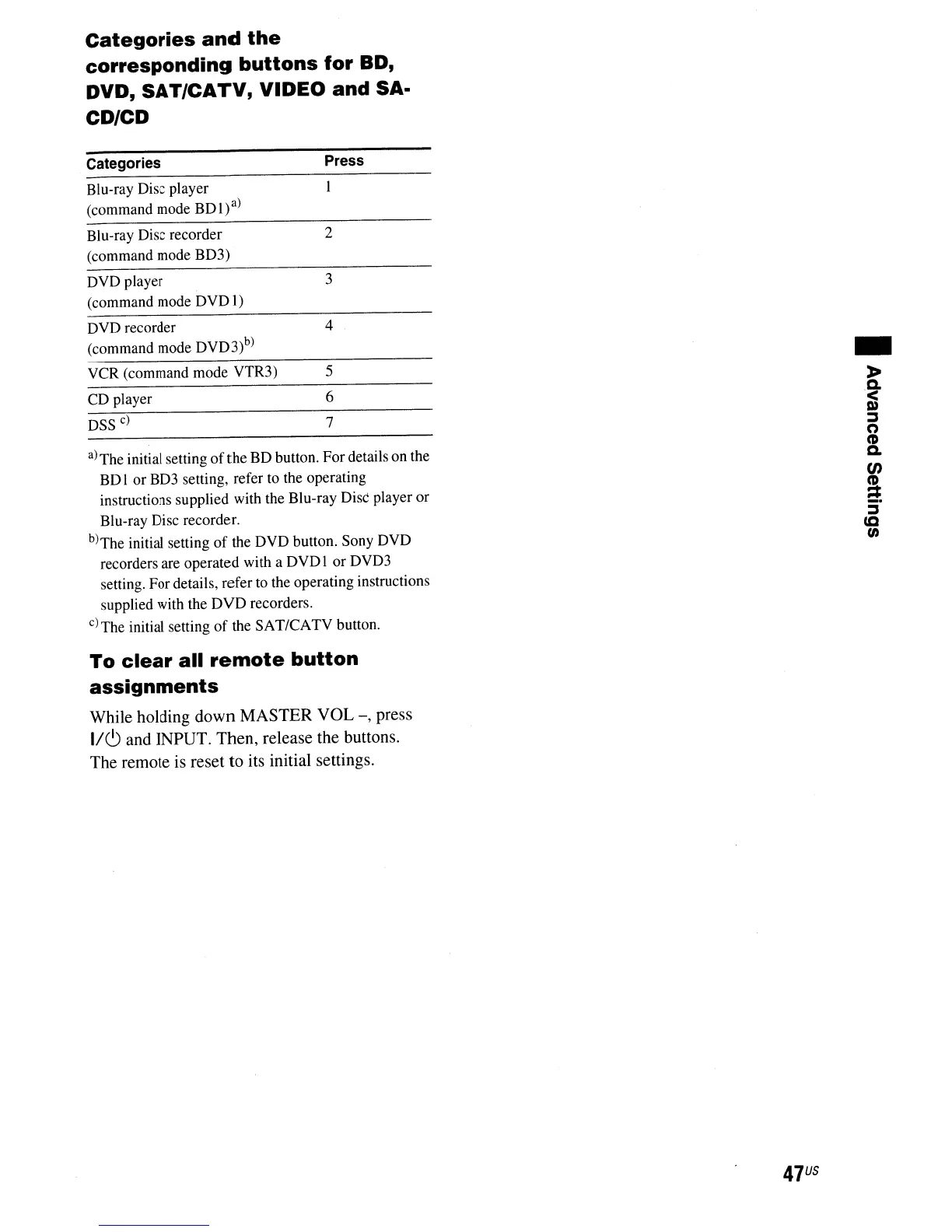
Categories
and
the
corresponding
buttons
for
SO,
DVD,
SAT/CATV,
VIDEO
and
SA·
CD/CD
Categories
Blu-ray Disc player
(command mode
BOI)a)
Press
Blu-ray Disc recorder 2
(command mode
B03)
DVD player 3
(command mode DVO
1)
DVD recorder 4
(command mode
OV03)b)
VCR (command mode VTR3) 5
CO player 6
DSS~
7
a)
The initial setting
of
the BO button. For details on the
BD I or BD3 setting, refer to the operating
instructions supplied with the Blu-ray Disc player or
Blu-ray Disc recorder.
b)
The initial setting
of
the
OVD
button. Sony OVO
recorders are operated with a
DVDl
or DVD3
setting. For details, refer to the operating instructions
supplied with the
DVD
recorders.
c) The initial setting
of
the SAT/CATV button.
To
clear
all
remote
button
assignments
While holding down MASTER VOL
-,
press
IIC) and INPUT. Then, release the buttons.
The remote
is
reset to its initial settings.
47
US
..
>
.~
~
(')
CD
a.
en
a
~
ca
(/)



 To Next Page