26
US
Operation of the BLUETOOTH device
/ buttons
To skip a track.
/ buttons
To fast reverse or to fast-forward the music when pressed during
playback.
Playback control buttons
*
2
(playback)/ (pause)/ (stop)
To start, pause or stop the playback. To restart playback during
a pause, press the button again.
These are the basic operation examples. There may be a device that may
not be operated or may work differently.
*
1
Refer to “Enjoying the sound effects” in the supplied Startup Guide.
*
2
The (playback) and VOL (volume) + buttons each have a tactile dot.
Use it as a guide during operation.
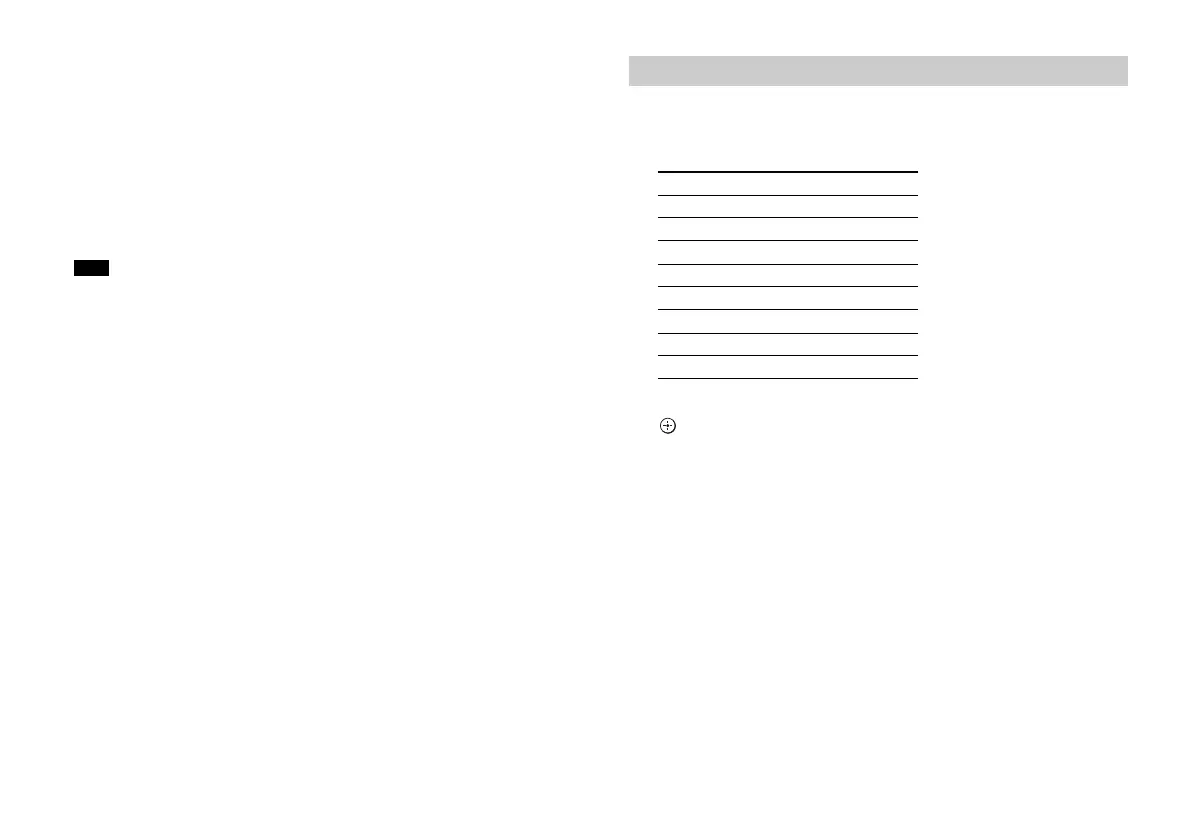
1 Press the button correspnding to the manufacturer while
holding the TV (on/standby) button on the remote
control of the system pressed.
2 Keep holding the TV (on/standby) button and press the
(enter) button.
3 Release the TV (on/standby) button on the remote
control of the system pressed.
Note
Setting the manufacturer of the TV
Manufacturer Button
SONY
TV CH +
Samsung
DISPLAY
LG
SW VOL +
Panasonic
TV CH
VIZIO
CLEARAUDIO+
Sharp
SW VOL –
Toshiba STANDARD
FUNAI MOVIE


 To Next Page