7
GB
Guide to Parts and Controls
Front
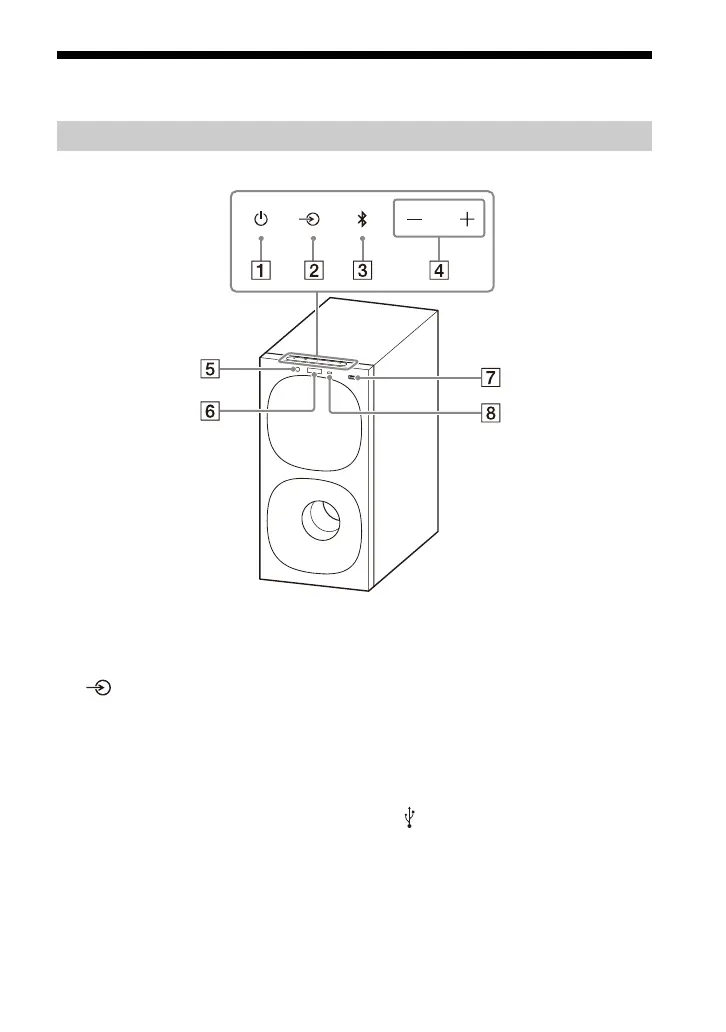
(power) button
Turns on the speaker system or
s
ets it to standby mode.
(input select) button
Selects the input for playback on
t
he speaker system.
BLU
ETOOTH button (page 21)
+/– (
volume) buttons
BLU
ETOOTH indicator
– Lights in blue: BLUETOOTH
conne
ction has been
established.
– Flashes slowly in blue
re
peatedly: BLUETOOTH
connection is being attempted.
– Flashes twice in blue repeatedly:
D
uring pairing standby status.
Fr
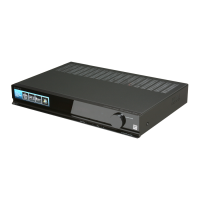
ont panel display
(USB) port (page 19)
Remote control sensor
Point the remote control at the
r
emote control sensor to operate
the speaker system.
Subwoofer



 To Next Page