7
GB
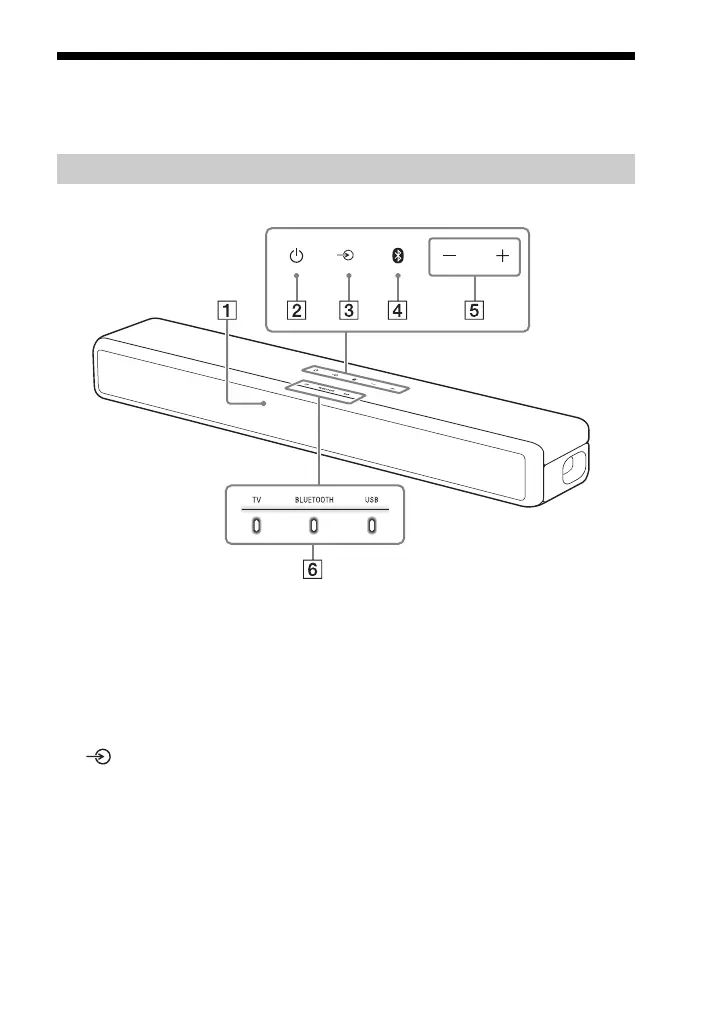
Guide to Parts and Controls
Details are omitted from the illustrations.
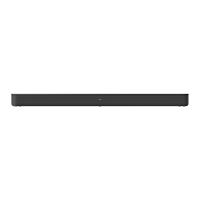
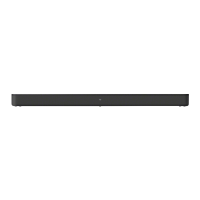
Front
Remote control sensor
Point the remote control at the
remote control sensor to operate
the system.
(power) button
Turns on the system or sets it to
standby mode.
(input select) button
(page 18)
BLUETOOTH button (page 23)
+/– (volume) buttons
Indicators
For details, see “About the
indicators on the Bar Speaker”
(page 8).
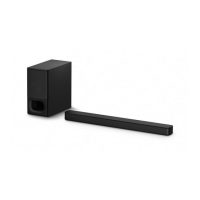
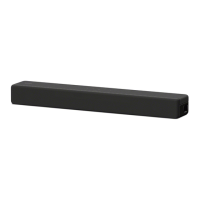
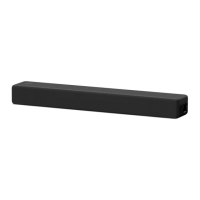
Bar Speaker


 To Next Page