4
GB
HT-SL55 4-247-583-14(1) GB
Area code
About This Manual
The instruction in this manual are for models
HT-SL70, HT-SL65, HT-SL60, HT-SL55,
HT-SL50 and HT-SL40. Check your model
number by looking at the lower right corner of
the front panel. In this manual, the HT-SL50 is
used for illustration purposes unless stated
other wise. Any difference in operation is
clearly indicated in the text, for example,
“HT-SL50 only”.
The HT-SL70 consists of:
– Receiver STR-KSL50
– Speaker system
• Front/surround speakers SS-SLP70
• Center speakers SS-CNP70
• Sub woofer SA-WMSP70
The HT-SL65 consists of:
– Receiver STR-KSL60
– Speaker system
• Front/surround speakers SS-SLP70
• Center speakers SS-CNP70
• Sub woofer SA-WMSP70
The HT-SL60 consists of:
– Receiver STR-KSL60
– Speaker system
• Front/surround speakers SS-MSP50
• Center speakers SS-CNP50
• Sub woofer SA-WMSP50
The HT-SL55 consists of:
– Receiver STR-KSL50
– Speaker system
• Front/surround speakers SS-MSP55
• Center speakers SS-CNP55
• Sub woofer SA-WMSP50
The HT-SL50 consists of:
– Receiver STR-KSL50
– Speaker system
• Front/surround speakers SS-MSP50
• Center speakers SS-CNP50
• Sub woofer SA-WMSP50
The HT-SL40 consists of:
– Receiver STR-KSL40
– Speaker system
• Front/surround speakers SS-MSP50
• Center speakers SS-CNP50
• Sub woofer SA-WMSP40
4-XXX-XXX-XX AA
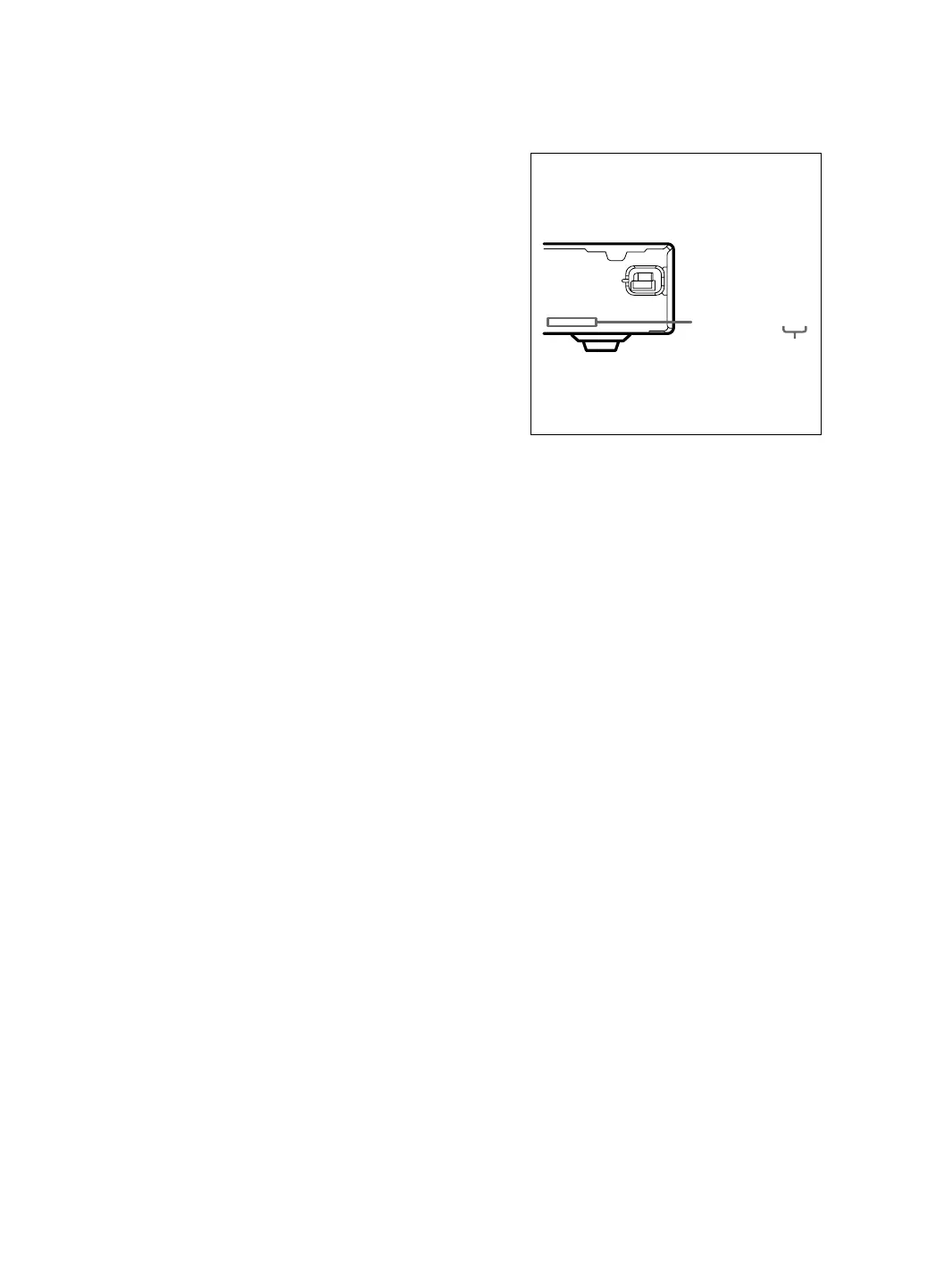
About area codes
The area code of the receiver you purchased is
shown on the lower portion of the rear panel (see
the illustration below).
Any differences in operation, according to the
area code, are clearly indicated in the text, for
example, “Models of area code AA only”.
Tip
The instructions in this manual describe the controls
on the remote. You can also use the controls on the
receiver if they have the same or similar names as
those on the remote. For details on the use of your
remote, see pages 32 – 36.
Note for the supplied remote
RM-U40
The AUX and AAC BI-LING buttons on the
remote are not available.



 To Next Page