EasyManua.ls Logo

Sony HT-ST9 - Page 17

Sony HT-ST9
80 pages
Print Icon
To Next Page IconTo Next Page

To Previous Page IconTo Previous Page
Loading...
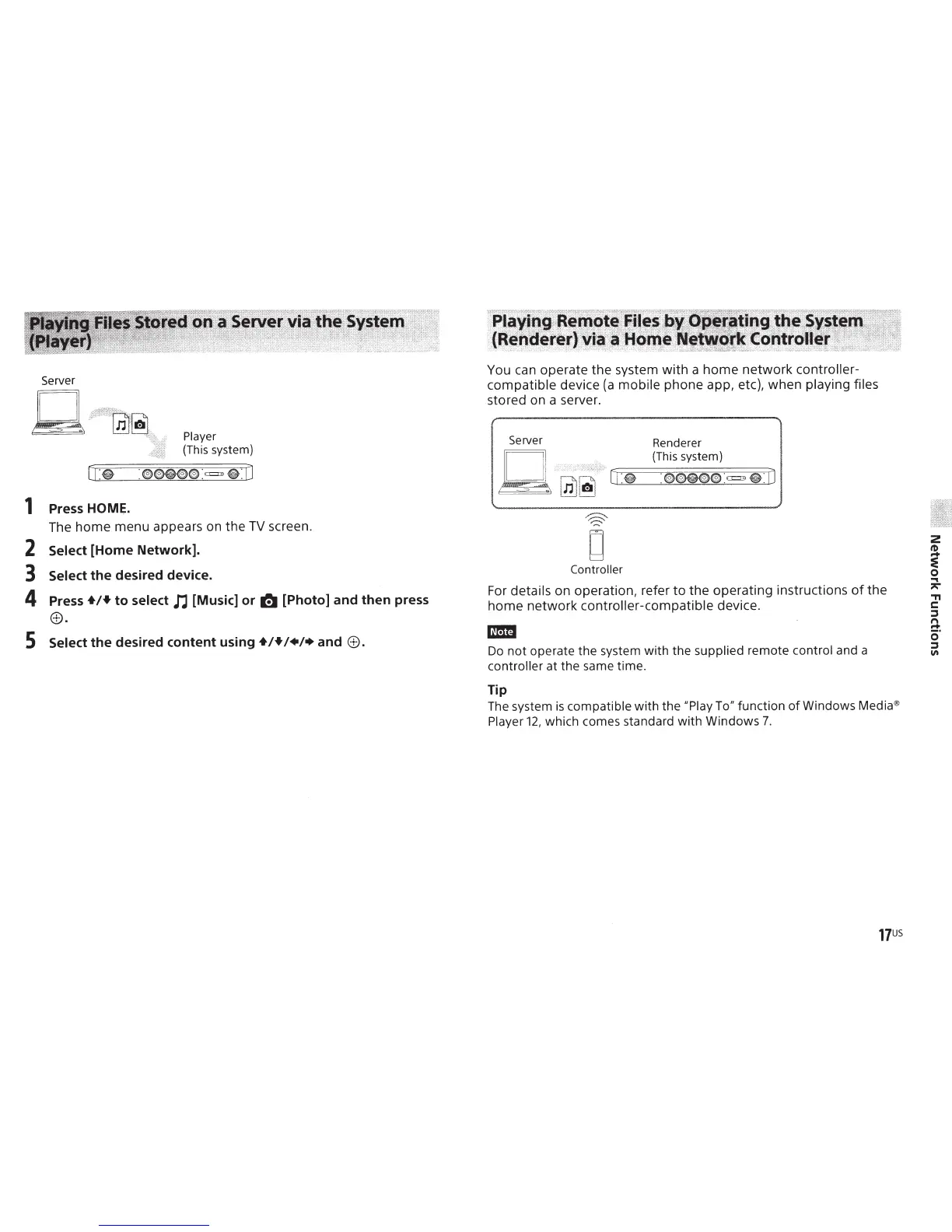
Player
(This
system)
1
Press
HOME.
The
home
menu appears on
the
TV
screen.
2
Select
[Home Network].
3
Select
the
desired device.
4
Press
+!+
to select
n [Music] or
~
[Photo] and then press
e.
5
Select
the
desired content
using+!+!+!+
and
e.
You can operate
the
system
with
a
home
network
contr~ller-.
compatible
device
(a
mobile
phone app, etc), when
play1ng
f1les
stored on a server.
Server Renderer
L 1
(This system)
~
.
Lm
~
[~I
:
~:::;;::
0
===:;:=;:
(@);=;~:;;=;o~(@)~(@)~o
:==~==o
~~;;=
:
iJ
Controller
For
details
on operation, refer
to
the
operating instructions
of
the
home
network
controller-compatible
device.
m:ml
Do
not
operate
the
system
with
the
supplied
remote
control and a
controller at
the
same time.
Tip
The system
is
compatible
with
the
"Play To"
function
of
Windows Media®
Player
12,
which comes standard
with
Windows
7.
2
tD
...
:e
0
...
"
.,
c:
::l
n
~.
0
::l
"'

Other manuals for Sony HT-ST9

Related product manuals