EasyManua.ls Logo

Sony HT-ST9 - Listening and Viewing; Listening to Sound from TV and Players

Sony HT-ST9
80 pages
Print Icon
To Next Page IconTo Next Page

To Previous Page IconTo Previous Page
Loading...
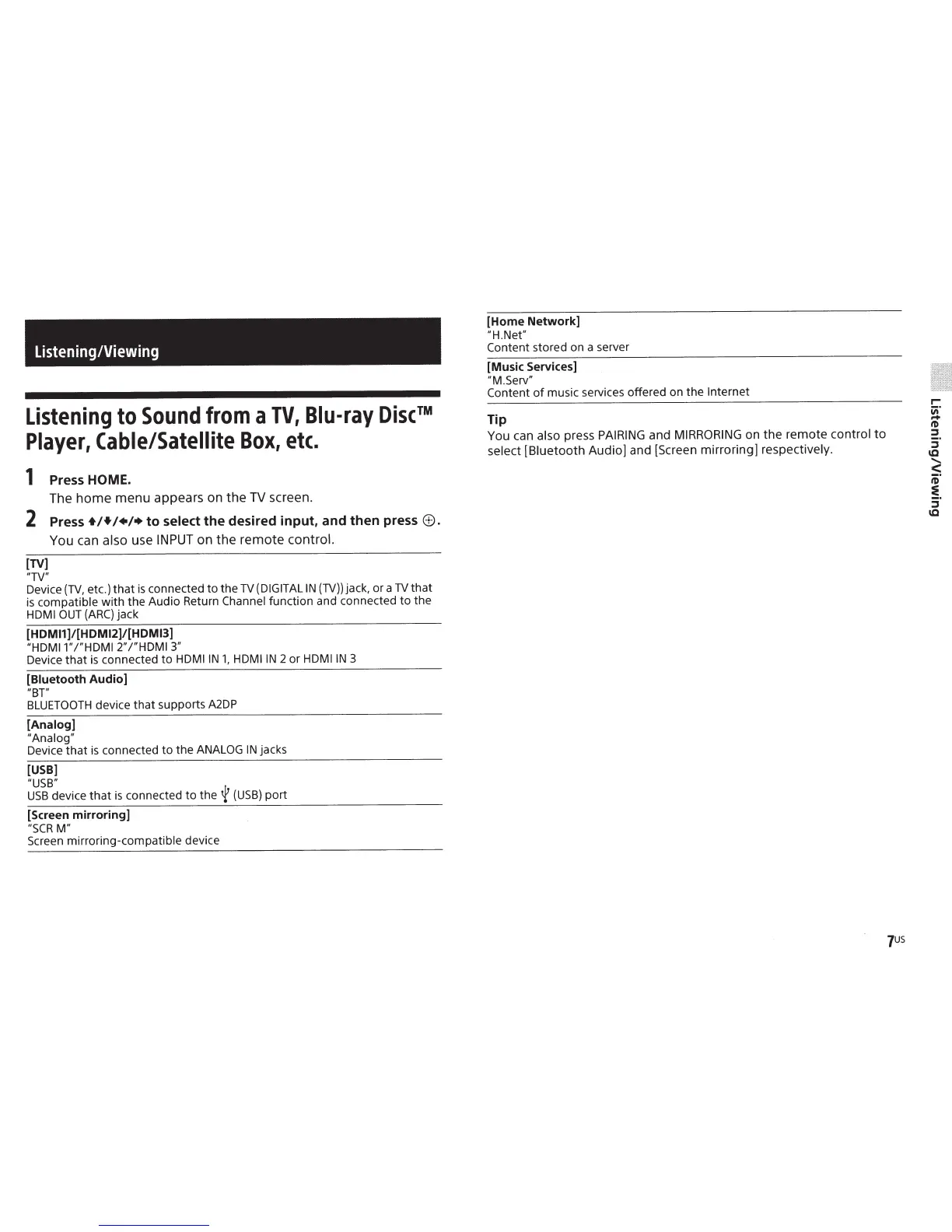
Listening/Viewing
Listening
to
Sound
from
a
TV,
Blu-ray
Discâ„¢
Player,
Cable/Satellite
Box,
etc.
1
Press HOME.
The
home
menu appears on the
TV
screen.
2
Press
+!+!+/+to
select
the
desired
input,
and
then
press
8.
You can
also
use
INPUT
on the remote
control.
[TV]
"TV"
Device
{TV,
etc.)
that
is
connected
to
the
TV
(DIGITAL
IN
(TV))
jack,
or
a
TV
that
is
compatible
with
the
Audio
Return
Channel
function
and connected
to
the
HDMI
OUT
{ARC)
jack
[HDMI1]/[HDMI2]/[HDM13]
"HDMI1"
/"HDMI
2"
/"HDMI
3"
Device
that
is
connected
to
HDMIIN
1,
HDMIIN
2
or
HDMIIN
3
[Biuetooth
Audio]
"BT"
BLUETOOTH
device
that
supports A2DP
[Analog]
"Analog"
Device
that
is
connected
to
the
ANALOG
IN
jacks
[USB]
"USB"
USB
device
that
is
connected
to
the
~
{USB)
port
[Screen
mirroring]
"SCRM"
Screen
mirroring-compatible
device
[Home
Network]
"H.Net"
Content stored on a server
[Music Services]
"M.Serv"
Content
of
music services offered on
the
Internet
Tip
You can
also press
PAIRING
and
MIRRORING
on
the
remote control
to
select
[Biuetooth
Audio] and [Screen
mirroring]
respectively.

Other manuals for Sony HT-ST9

Related product manuals