SONY.
How
to
set up
the
"Song Pal"
app
"Song
Pal"
is
a free dedicated app for smartphones
that
allows you
to
enjoy the music content on your system
or
smartphone, by using a wireless
BLUETOOTH®
connection.
Some features
of
the app are
as
follows.
• Choose music and control playback on the various music sources
in
combination
with
the functions
of
your
audio system and a "Song
Pal"
-ready smartphone.
• Operation
of
sound settings,
power
control and other features
is
easy and intuitive.
• Instantly recognizable content browsing and visually easy-to-use music play features make navigation
easier and more enjoyable with your smartphone.
The app
is
available at
both
Google
Play™
and App Store. Search
for
"Song
Pal"
and
download
it to find
out
about
more convenient features.
This system
is
compatible
with
"Song
Pal"
version 3.0 or later.
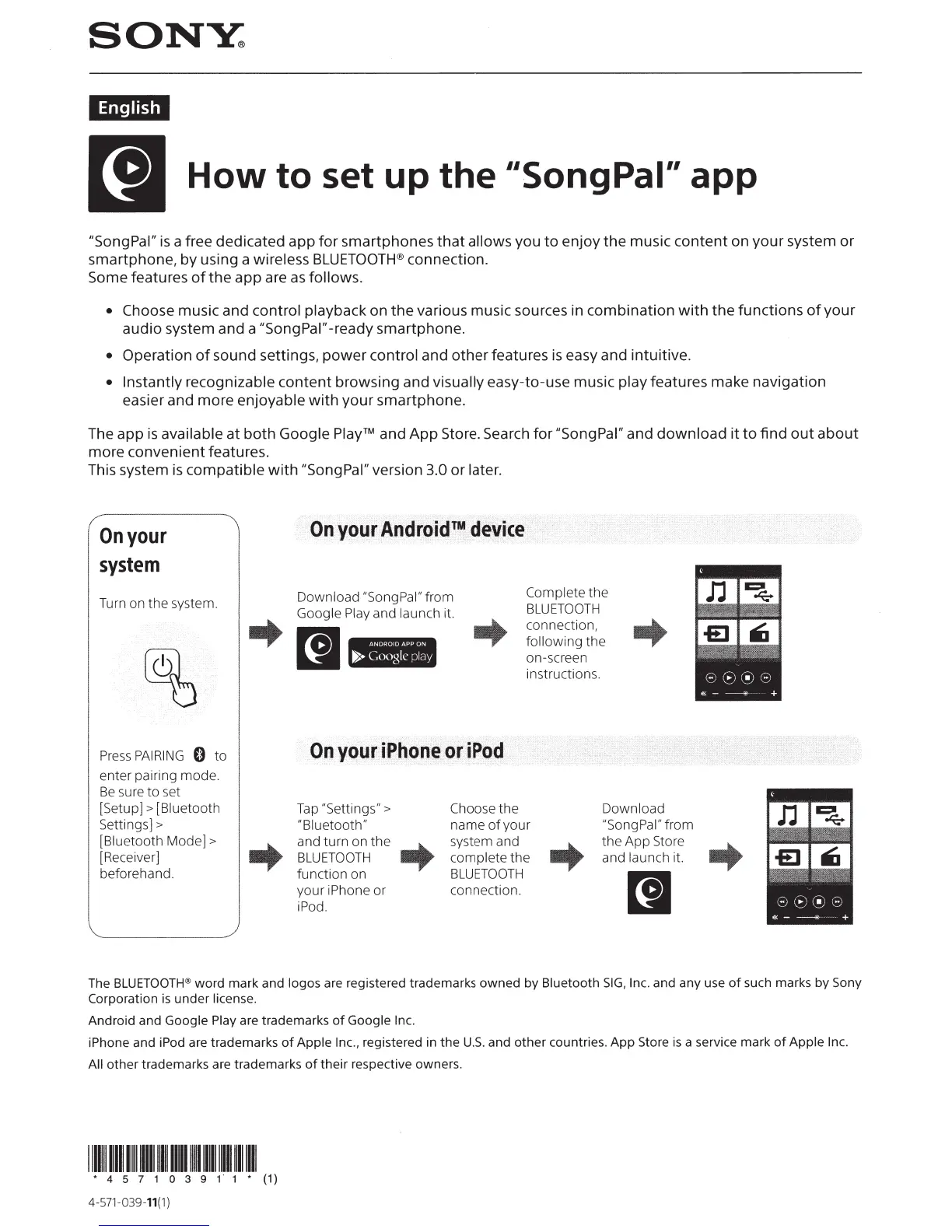
On
your
system
Turn
on
the
system.
Press
PAIRING
0
to
enter pairing
mode.
Be
sure
to
set
[
Setup]>
[Biuetooth
Settings] >
[Biuetooth
Mode]>
[Receiver]
beforehand.
On
your
Android™
device
Download
"SongPal"
from
Google Play
and
launch it.
..
[I
I
Complete
the
BLUETOOTH
connection,
following
the
on-screen
instructions.
On
your
iPhone
or
iPod
Tap "Settings" > Choose
the
Download
"Biuetooth"
name
of
your
"Song Pal"
from
-+
and
turn
on
the
-+
system and
-+
the
App
Store
BLUETOOTH
complete
the
and
launch it.
function
on
BLUETOOTH
[I
your
iPhone or
connection.
iPod.
-+
The
BLUETOOTH
® word mark and logos are registered trademarks owned
by
Bluetooth
SIG,
Inc. and any use
of
such marks
by
Sony
Corporation
is
under license.
Android and Google Play are trademarks
of
Google Inc.
iPhone and iPod are trademarks
of
Apple Inc., registered
in
the
U.S.
and other countries. App Store
is
a service mark
of
Apple Inc.
All
other
trademarks are trademarks
of
their respective owners.
11111111111111111111111111111111
~111111111111111111111
• 4 5 7 1 0 3 9 1 1 • (1)
4-
571-039-11(1
)



 To Next Page