ICD-PX720 4-113-173-11(1)
46
GB
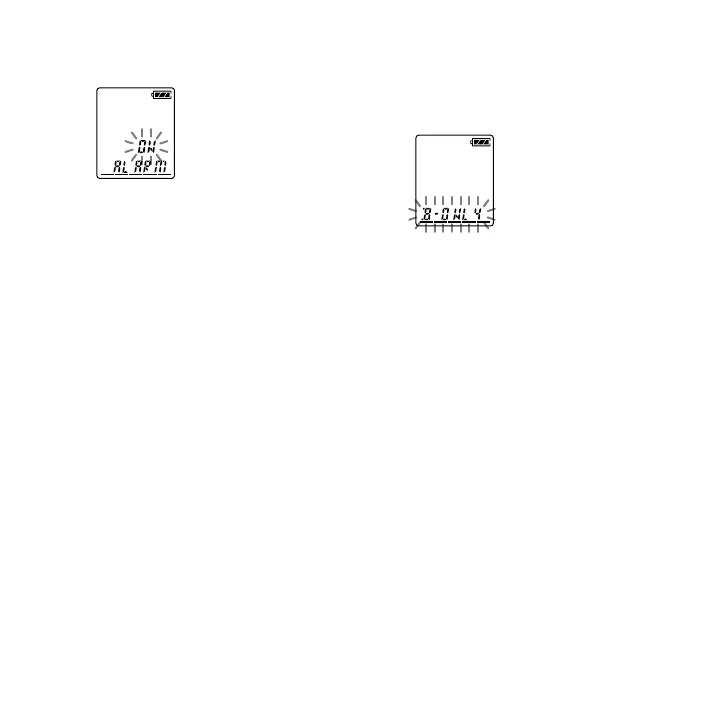
Press – or + to select “ON,”
then press PLAY/STOP•ENTER.
3 Set the alarm date and time.
Press – or + to select “DATE,” a
day of the week, or “DAILY,” then press
PLAY/STOP•ENTER.
When you select “DATE”:
Set the year, month, day, hour, and
minute in sequence, as described in
“Step 2: Setting the Clock” on page 16,
then press PLAY/STOP•ENTER.
When you select a day of the week
or “DAILY”:
Press – or + to set the hour,
then press PLAY/STOP•ENTER,
press – or + to set the
minute, then press PLAY/
STOP•ENTER.
4 Press – or + to select the
alarm sound either from “B-ONLY”
or “B-PLAY,” then press PLAY/
STOP•ENTER.
B-ONLY: Only the alarm will sound.
B-PLAY: The selected message will be
played back after the alarm.
“ALARM ON” will be displayed.
5
Press
(stop) to exit the menu
mode.
The setting process is nished and “”
(alarm indicator) appears in the display
window.



 To Next Page