ICD-PX720 4-113-173-11(1)
52
GB
Moving a Message to
a Dierent Folder
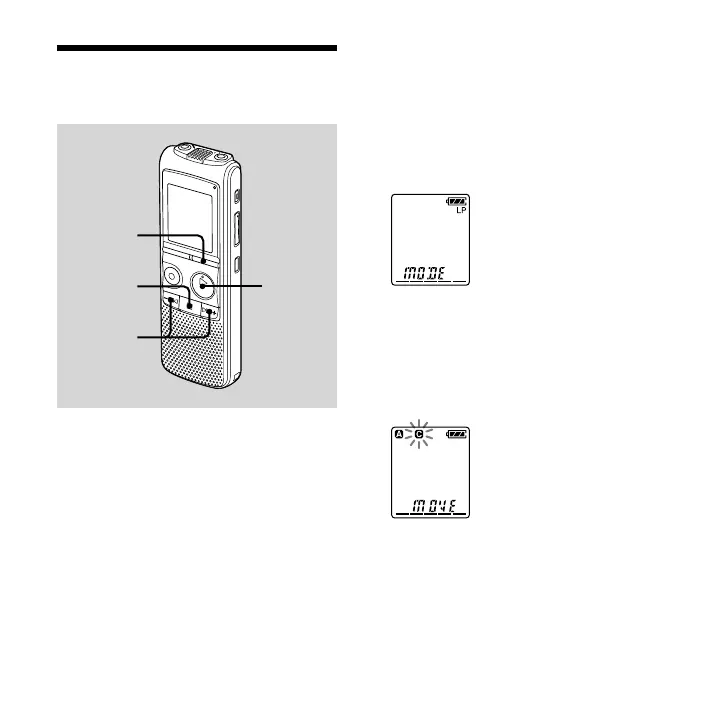
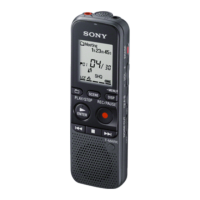
DISPLAY/
MENU
PLAY/
STOP•
ENTER
–,
+
You can move the recorded messages to
another folder.
1 Select the message you want to
move.
2 Press and hold DISPLAY/MENU to
enter the menu mode.
The menu mode window will be
displayed.
3 Press – or + to select
“MOVE,” then press PLAY/
STOP•ENTER.
The destination folder indicator
ashes.


 To Next Page