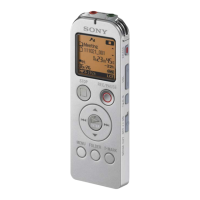
ICD-UX60/UX70/UX80 GB 3-283-648-11(1)
7
GB
Basic Operations
Recording Messages
2
3
1
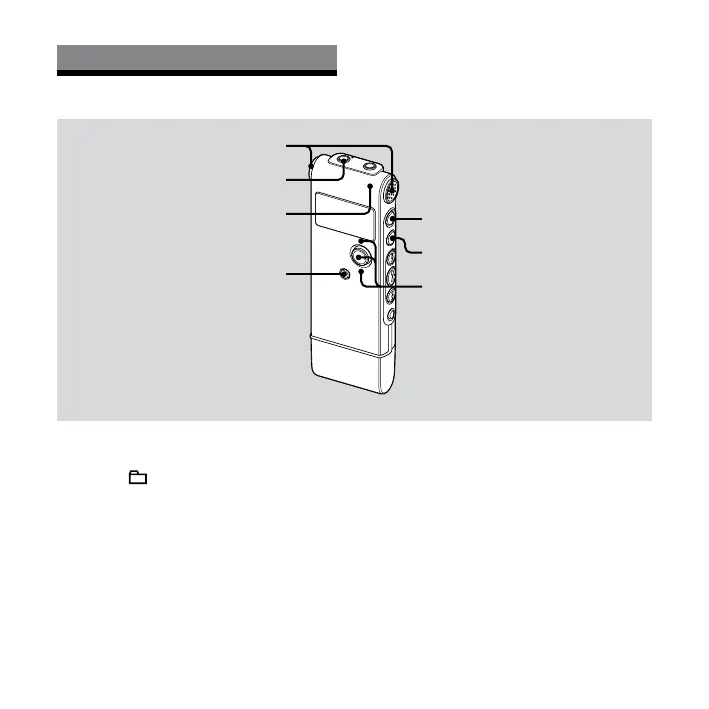
Built-in microphones
(headphone) jack
Operation indicator
1
1
Select a folder.
Press /MENU to display the folder
selection window.
Press the control key toward or to
select the folder in which you want to
record messages, and then press ENT.
2 Start recording.
Press (record/pause) in the stop
mode.
Speak into the built-in microphone.
3 Press (stop) to stop recording.
The IC recorder stops at the beginning
of the current recording.


 To Next Page