Switching the screen display (Shooting)
You can change the display contents on the screen.
1. Press the DISP (Display Setting) button.
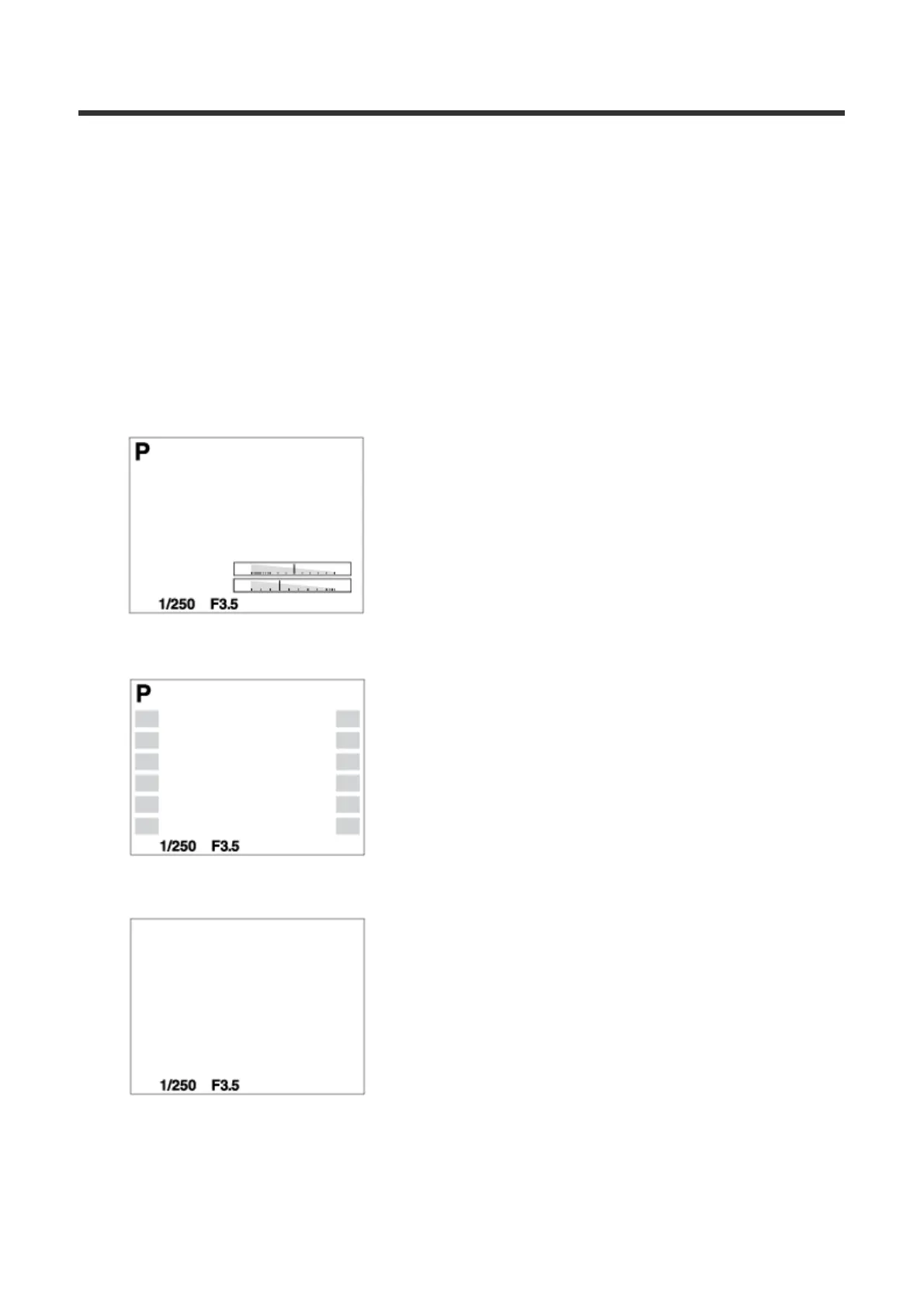
Each time you press the DISP button, the recording information display
changes as follows:
Graphic Display → Display All Info. → No Disp. Info. → Histogram → Level
→ For viewfinder* → Graphic Display
Graphic Display
Display All Info.
No Disp. Info.
Histogram



 To Next Page