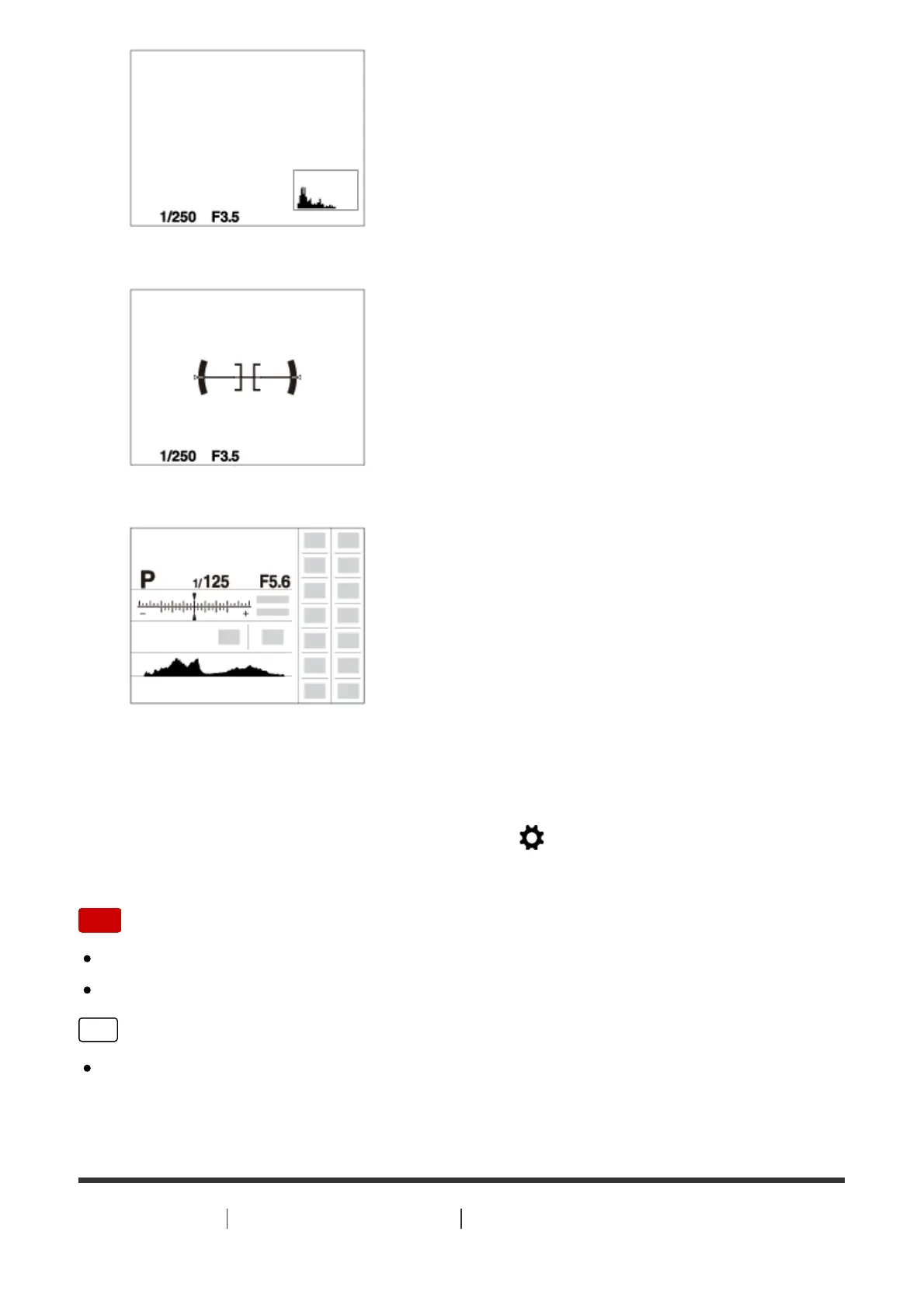
Level
For viewfinder*
* [For viewfinder] is displayed only on the screen.
Some display modes are not available in the default settings.
To change the display modes, press MENU → (Custom Settings) → [DISP
Button] and change the setting.
Note
Histogram is not displayed during panorama shooting.
In movie mode, [For viewfinder] cannot be displayed.
Hint
You can select different settings for both the viewfinder and the monitor. Look
through the viewfinder to set the display settings for the viewfinder.
[56] How to Use Using shooting functions Selecting a screen display mode



 To Next Page