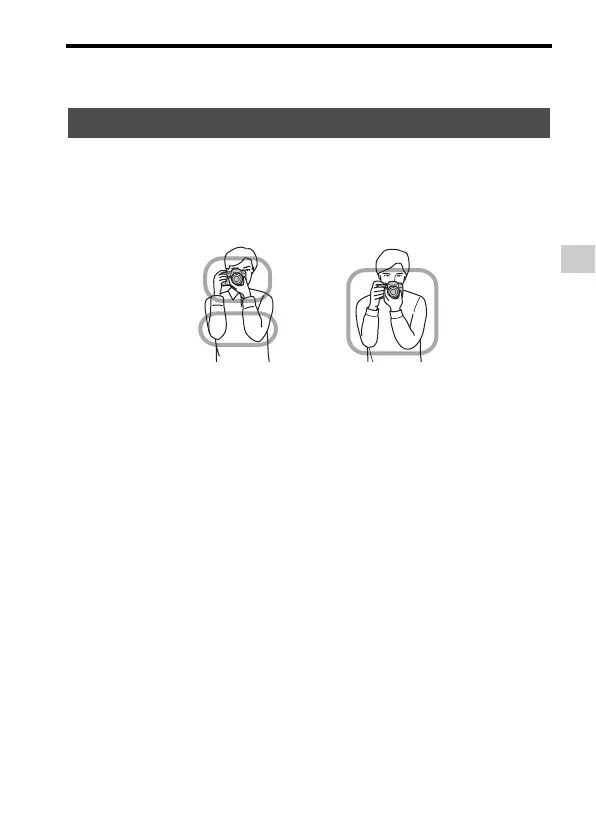
Shooting a clear movie without camera shake
Preparing the camera
GB
59
• When using a tripod, deactivate the SteadyShot function because there is a potential
for malfunction of the SteadyShot function.
Stabilize your upper body and take a position that keeps the
camera from moving.
Point 1
One hand holds the grip of the camera, and the other hand supports the lens.
Point
2
Take a secure stance with your feet shoulder-width apart.
Point
3
Lightly tuck your elbows against your body.
When shooting in a kneeling position, steady your upper body by placing
your elbow on your knee.
Holding the camera properly
In viewfinder mode
In LCD screen mode



 To Next Page