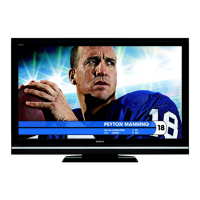
4
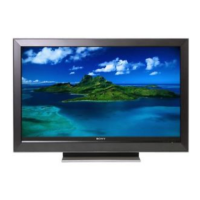
Thank
you
for purchasing this Sony
BRAVIA®
high-definition television. The quality of
the
image
you
see
on
your BRAVIA TV
is
only
as
good as the quality of the signal
it
receives.
To
experience
the
stunning detail of your new BRAVIA
TV,
you
need access
to
HD
programming.
Your
BRAVIA
TV
can receive and display
HD
programming from:
• Over-the-air broadcasting via HD-quality antenna
• HD cable subscription
• HD satellite subscription
• Blu-ray
Disc™
player or other HD compatible external equipment
Contact your cable or satellite provider for information on upgrading to HD programming.
To
learn
more
about
HDTV,
visit:
U.S.A. http://www.sony.com/HDTV
Canada http://www.sonystyle.calhd
The
Four
Steps
to
a Full
HD
Experience: Set, Sound, Source, and Setup
Along with your BRAVIA TV set, a complete HD system requires an HD
sound
system, a
source
of HD programming and proper
setup
connections. This manual explains basic setup
connections (see page 12). The Quick Setup Guide, enclosed separately, illustrates how to
connect other optional equipment.
___________
!/l1!11mll.~c"5;c:.!'
Picture Quality and
Aspect
Ratio
You
can enjoy crisp, clear images, smooth movement and high-impact visuals from 1080 HD
signals. When you compare a high-definition signal to a standard analog signal, you will notice
a big difference.
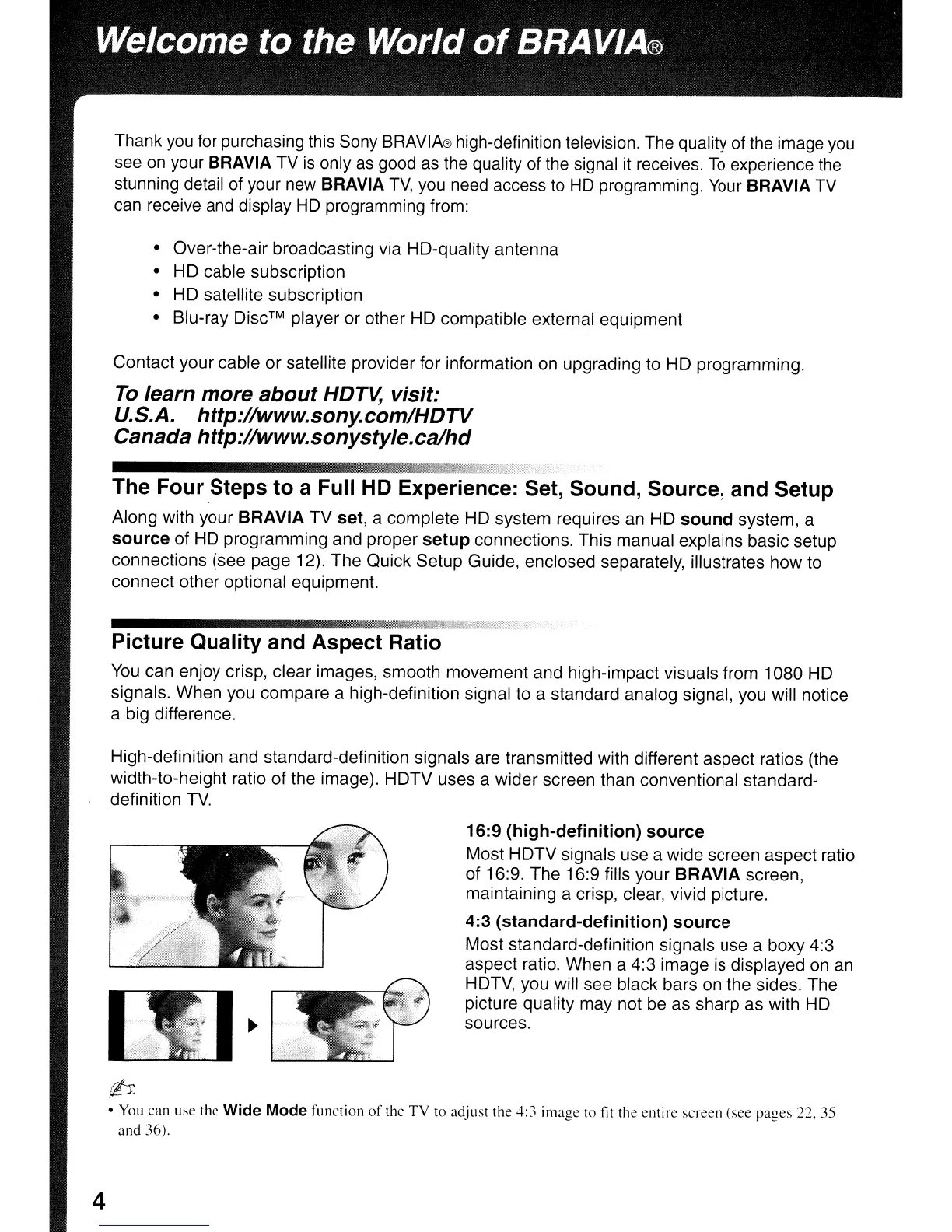
High-definition and standard-definition signals are transmitted with different aspect ratios (the
width-to-height ratio of the image). HDTV uses a wider screen than conventional standard-
definition
TV.
16:9
(high-definition)
source
Most HDTV signals use a wide screen aspect ratio
of 16:9. The 16:9 fills your BRAVIA screen,
maintaining a crisp, clear, vivid picture.
4:3
(standard-definition)
source
Most standard-definition signals use a boxy 4:3
aspect ratio. When a 4:3 image
is
displayed on
an
HDTV, you will see black bars
on
the sides. The
picture quality may not
be
as sharp as with
HD
sources.
,(lJJ
• You can use the Wide Mode function
of
the
TV
to adjust the 4:3 image
to
tit the entire screen (see
pages
22, 35
and 36).


 To Next Page
 Loading...