000
Chapter 4: Advanced Operations: Useful Functions (Utilities)
53
Restoring Factory Default Conditions
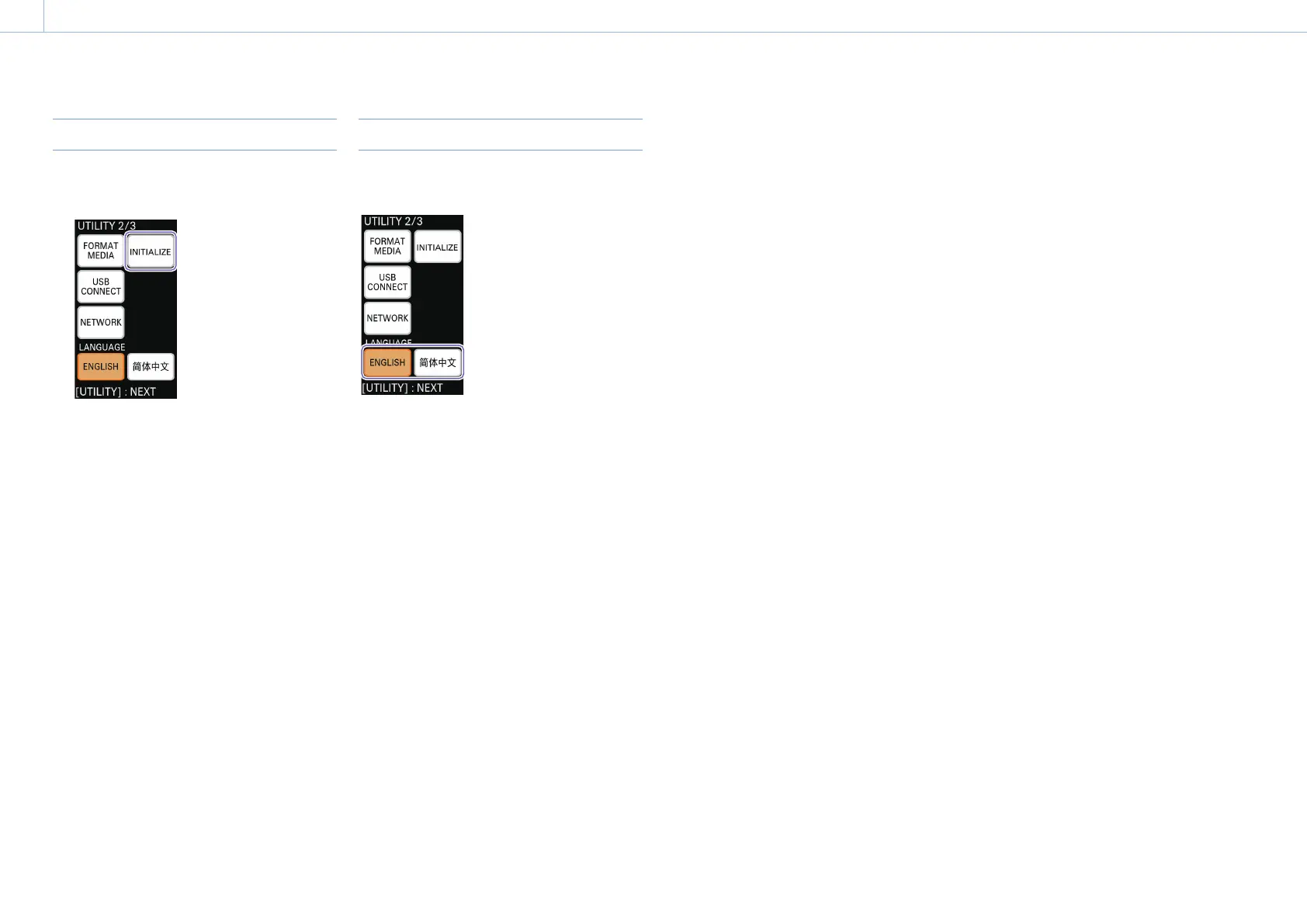
1 Display the [UTILITY 2/3] menu, and tap
[INITIALIZE].
A confirmation message appears.
2 Tap [OK].
The unit restarts automatically.
After the unit restarts, the initial settings screen
appears as it did during first-time startup.
For details on initial settings, see “Configuring the Initial
Settings (First-Time Startup)” (page 21).
Changing the Display Language
Select the display language for the unit’s menus
and messages with [LANGUAGE].
For details on changing the display language for the PC UI, see
“Display language” (page 15) in the “PC UI” section.


 To Next Page