000
Chapter 6: Recording: Recording the PGM Output
59
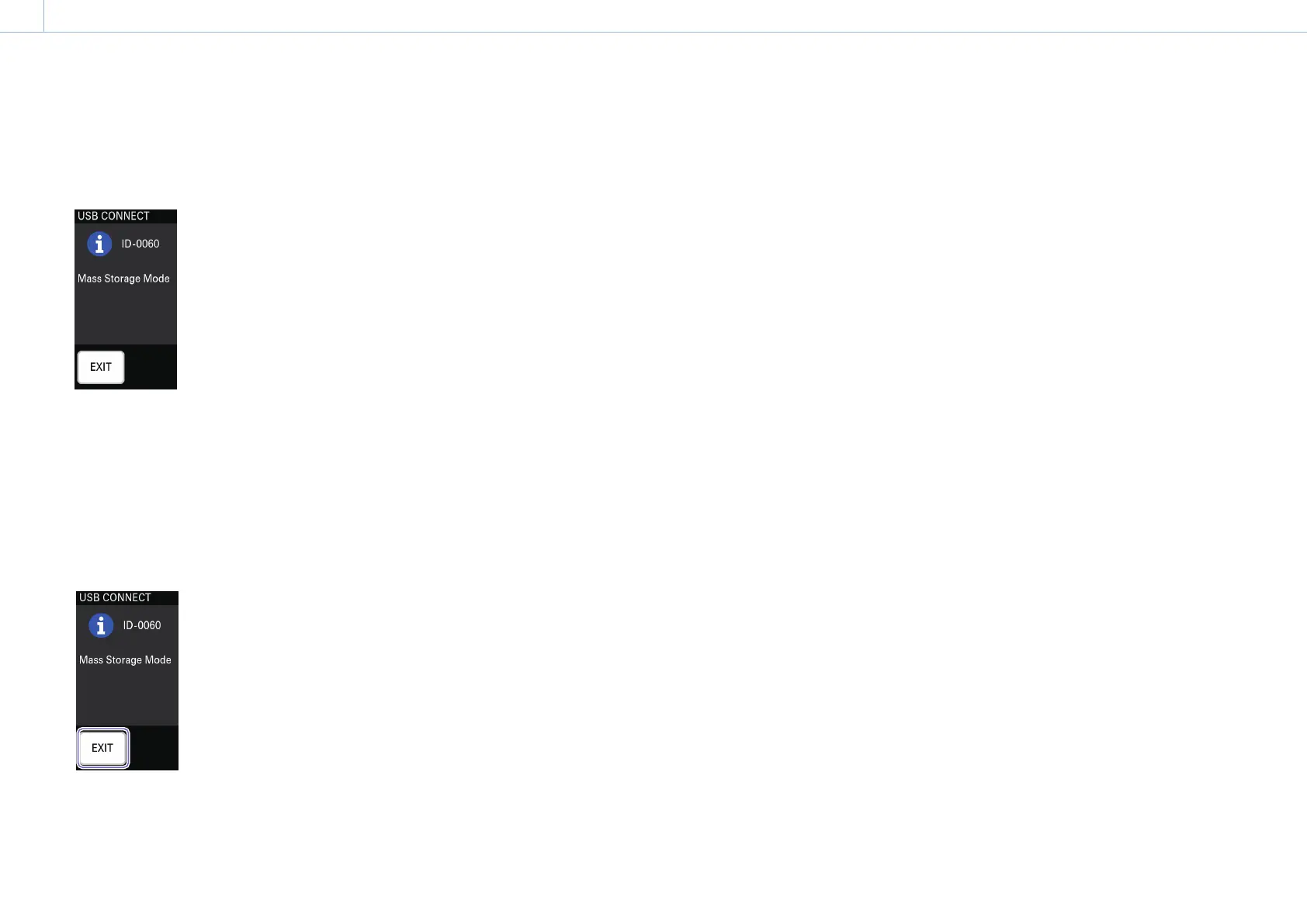
When the connection is established, the
following message appears in the menu panel
and USB connection mode is enabled.
Operation of the memory card inserted in the
unit as a drive is now possible.
[Notes]
Video and audio output may be interrupted during USB
connection mode.
After use
1 Perform safe USB device removal on the
computer.
2 Tap [EXIT].
A confirmation message appears.
3 Tap [YES].
USB connection mode is exited.
4 Disconnect the computer that is connected
via the USB cable.


 To Next Page