Help Guide
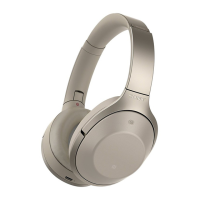
Wireless Noise Canceling Stereo Headset
MDR-1000X
Listening to music from a device connected via BLUETOOTH
You can enjoy listening to music and basic remote control operation of a BLUETOOTH device via a BLUETOOTH connection. The
BLUETOOTH device is required to support the following BLUETOOTH profiles.
A2DP (Advanced Audio Distribution Profile):
enables you to enjoy high-quality audio content wirelessly.
AVRCP (Audio Video Remote Control Profile):
enables you to adjust volume, etc.
The operation may vary depending on the BLUETOOTH device. Refer to the operating instructions supplied with your
BLUETOOTH device.
Connect the headset to a BLUETOOTH device.
1
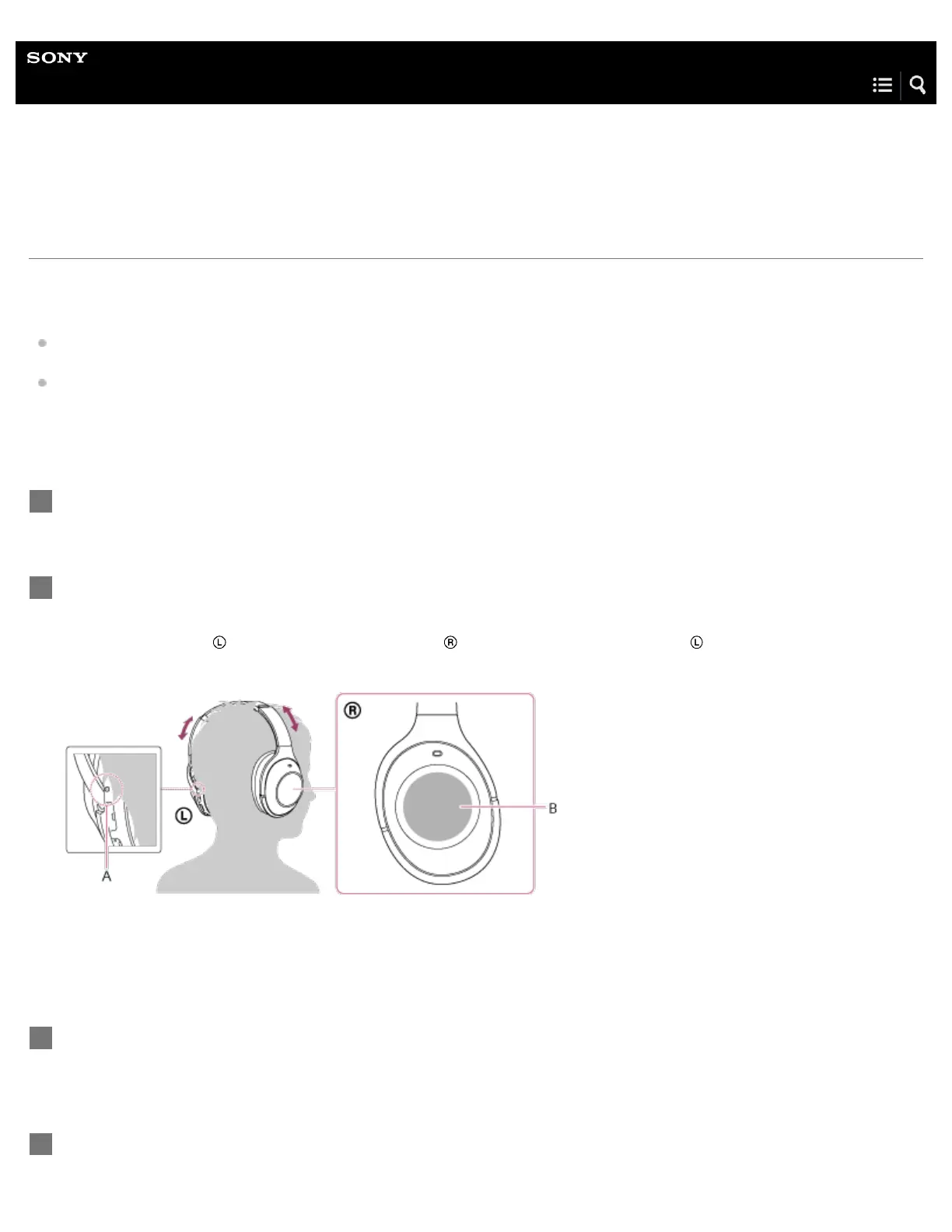
Wear the headset.
Adjust the length of the headband.
Put the headset with
indication on your left ear and indication on your right ear. The unit of the headset has a
tactile dot. Be careful not to come in contact with the touch sensor when you wear the headset.
A: Tactile dot
B: Touch sensor
2
Play back music or video on the BLUETOOTH device.
Adjust the volume on the BLUETOOTH device.
3
Control the volume by operating the touch sensor.
4


 To Next Page