14GB
Not available when an iPod is connected.
1 Press (browse).
2 Press SEEK +.
3 Rotate the control dial to select the item.
The list is jumped in steps of 10% of the total
number of items.
4 Press ENTER to return to the Quick-
BrowZer mode.
The selected item appears.
5 Rotate the control dial to select the
desired item, then press it.
Playback starts.
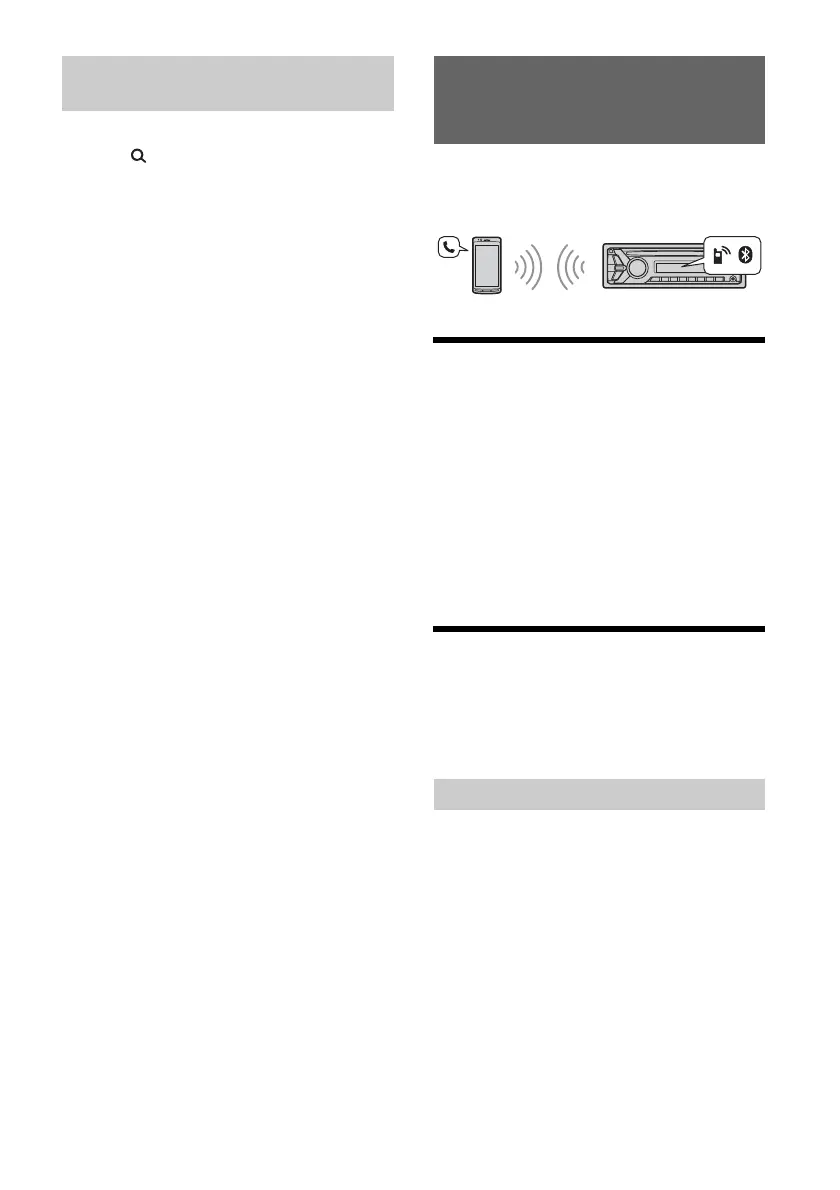
To use a cellular phone, connect it with this unit.
You can connect two cellular phones to the unit. For
details, see “Preparing a BLUETOOTH Device”
(page 7).
Receiving a Call
1 Press CALL when a call is received with a
ringtone.
The phone call starts.
Note
The ringtone and talker’s voice are output only from the
front speakers.
To reject the call
Press and hold OFF for 1 second.
To end the call
Press CALL again.
Making a Call
You can make a call from the phonebook or call
history when a cellular phone supporting PBAP
(Phone Book Access Profile) is connected.
When two cellular phones are connected to the
unit, select either phone.
1 Press CALL.
When two cellular phones are connected to the
unit, rotate the control dial to select either
phone, then press it.
2 Rotate the control dial to select [PHONE
BOOK], then press it.
3 Rotate the control dial to select an initial
from the initial list, then press it.
4 Rotate the control dial to select a name
from the name list, then press it.
Searching by skipping items
(Jump mode)
Handsfree Calling (via BLUETOOTH
only)
From the phonebook


 To Next Page