MHC-GN88D 4-248-439-12 (1)
DVD/VIDEO CD/CD/MP3/JPEG
23
GB
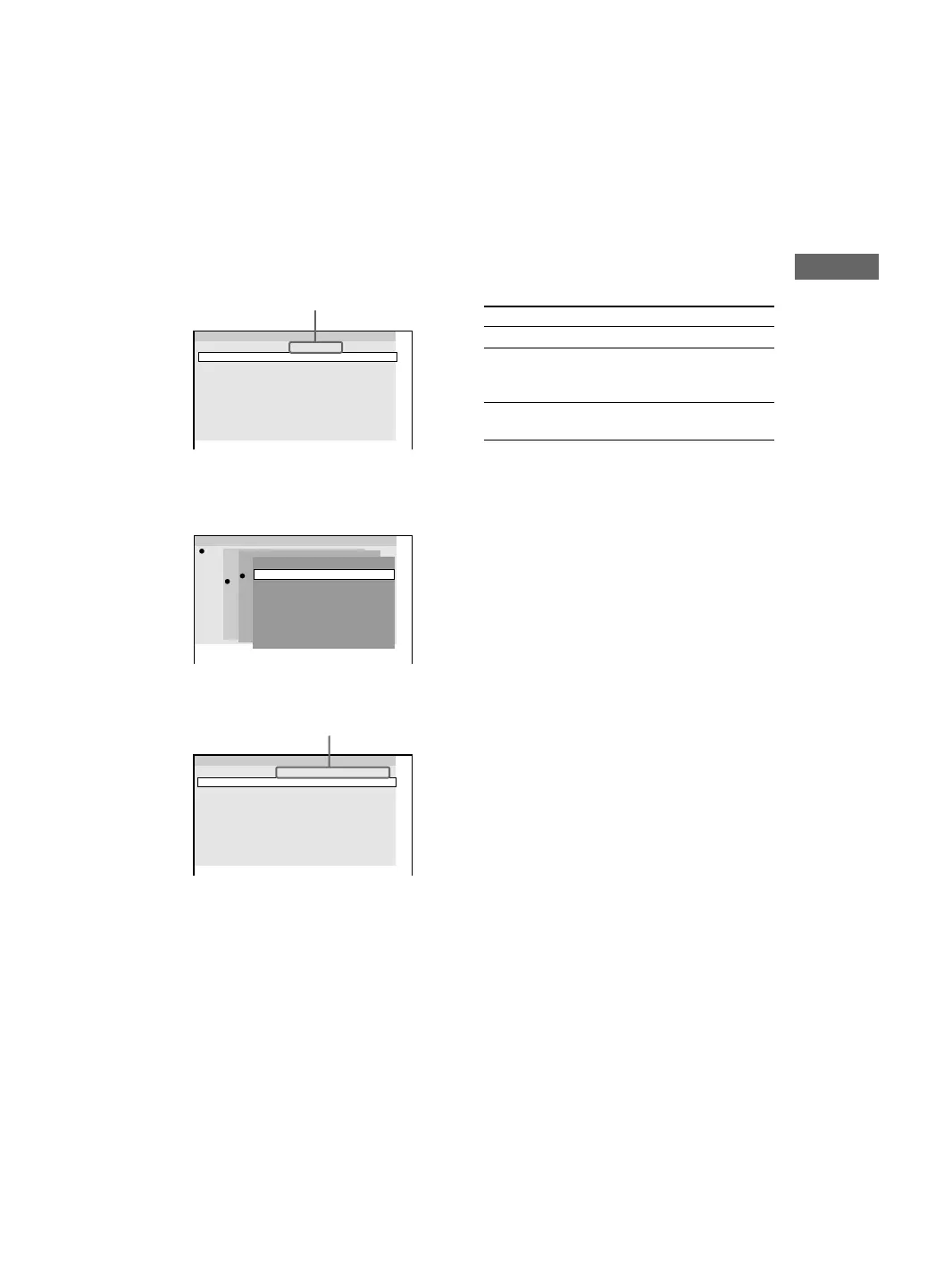
4 Select the album or track you want to
program.
x When programming a VIDEO CD or
audio CD track
For example, select track “6”.
Press M and m or the numeric buttons to
select “6”, then press ENTER.
x When programming an MP3 audio track
For example, select track “3” of album “2”.
Press M and m to select “2”, then press ,.
Next, press M and m or the numeric buttons
to select “3”, then press ENTER.
5 To program other tracks, repeat step 4.
6 Press nN.
Program play starts.
When the program ends, you can restart the
same program again by pressing nN.
Other Operations
To
Return to Normal Play
Cancel Program Play
Clear a track from the
end of the program
Notes
• Program Play function is not available for DVD and
JPEG image file.
• When you switch the play mode to “PGM” while
“REP1” is selected, “REP1” is automatically
canceled.
Tip
The program you made remains in the system’s
memory even after Program Play finishes. Press
hH to play the same program again.
1
Program
3
4
5
6
7
8
9
10
DISC 1 (CD) – TRACK 6
2
1
Program
2
3
4
5
6
7
8
DISC 2 (– – – – –)
DISC 3 (MP3)
9
10
DISC 1 (CD)
Disc
ALL ALBUMS
Album
ROOT
2 Jazz
3 Pops
1 Classic
ALL TRACKS
Track
1
Program
3
4
5
6
7
8
9
10
DISC 3(MP3) – ALBUM2 – TRACK3
2
selected track
selected album and track
Do this
Press CLEAR during play.
Press PLAY MODE in stop
mode repeatedly until
“PGM” disappear.
Press CLEAR when
playback is stopped.



 To Next Page