MHC-GN88D 4-248-439-12 (1)
22
GB
Creating your own
program
–– Program Play
You can make a program of up to 25 steps.
You can synchro record the programmed tracks
onto a tape (page 44).
Using the front panel display
1 Press DVD.
2 Press PLAY MODE in stop mode
repeatedly until “PGM” lights up in the
display.
3 Press DISC SKIP EX-CHANGE (or
D.SKIP on the remote) or DISC 1~3
buttons to select a disc.
4 Press . or > repeatedly until the
title or track number you want appears.
When programming an MP3 audio tracks,
press ALBUM + or – to select album, then
press . or > repeatedly until the track
number you want appears.
5 Press PUSH ENTER (or ENTER on the
remote).
The track is programmed. The program step
number appears.
6 To program additional tracks, repeat
steps 4 and 5.
7 Press hH.
Program Play starts.
Using the on-screen display
Use buttons on the remote for this operation.
1 Press DVD DISPLAY.
The Control Menu appears.
2 Press PLAY MODE in stop mode
repeatedly until “PGM” appears in the
display.
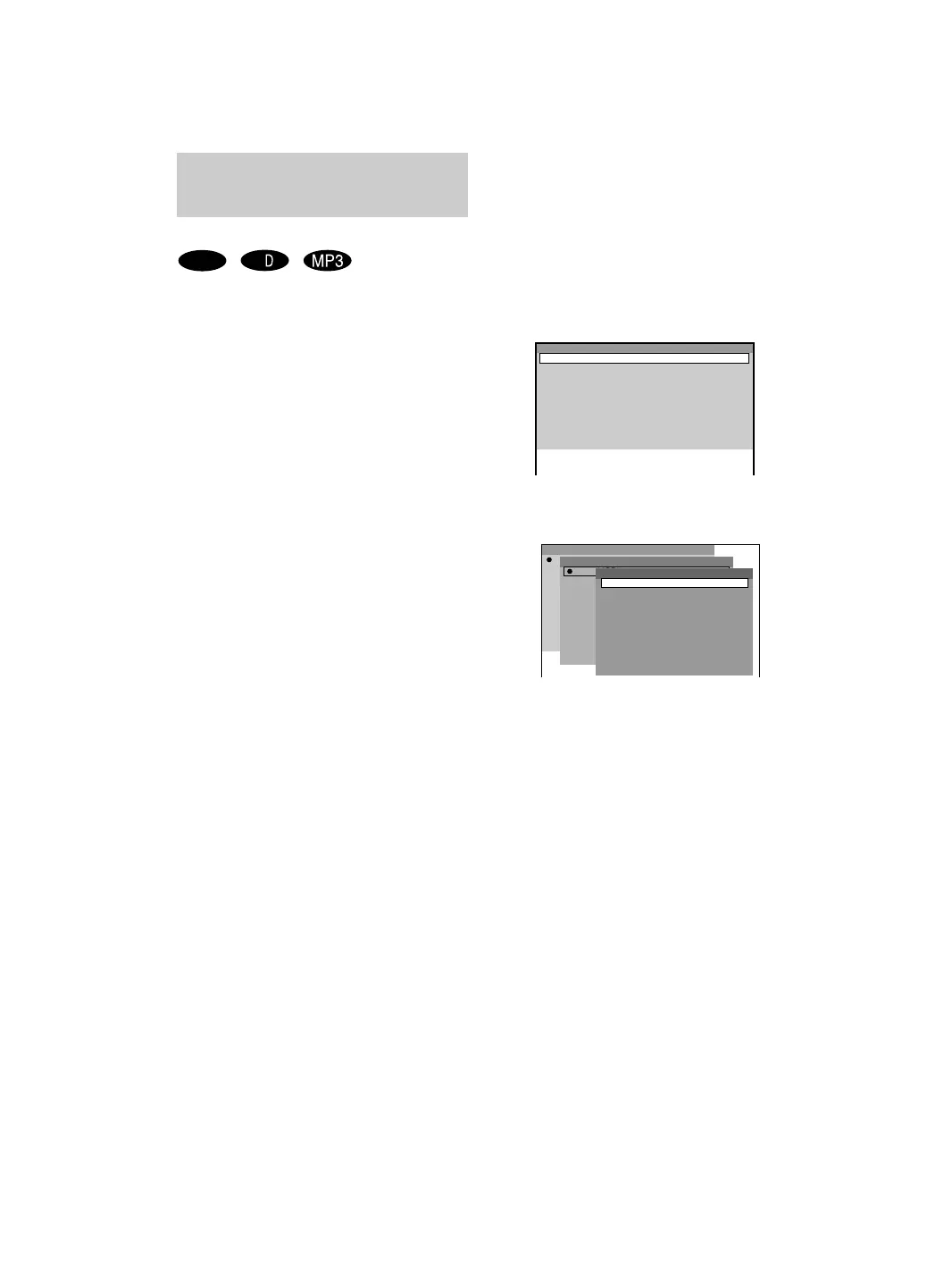
The Program Display appears on the screen.
3 Press ,, then press M or m repeatedly
to select the disc you want. Press ,.
* “-----” appears when the system has not
loaded the disc information in the memory.
VIDEO
CD
C
Program
2
3
4
5
6
7
8
9
10
1
Program
DISC2(CD)
Disc
DISC3(CD)
DISC1(CD)
2
3
4
5
6
7
8
9
10
1
1 TRACK1
Track
2 TRACK2
3 TRACK3
4 TRACK4
5 TRACK5
6 TRACK6
7 TRACK7
8 TRACK8
9 TRACK9
ALL TRACKS



 To Next Page