Help Guide
Home Audio System
MHC-GT7DW
Setting your PC as a DLNA server and controller (Windows 8.1)
Windows 8.1 supports DLNA1.5. A Windows 8.1 PC can be used as both a DLNA server and controller.
By operating from a Windows 8.1 PC, you can enjoy music stored in a DLNA server (including a Windows 8.1 PC) on
your home network with the home audio system if you set the following.
If you download SongPal to your smartphone, iPhone, etc. and operate a Windows 8.1 PC, perform “Setting your PC for
operating from a smartphone, iPhone, etc. as a controller (Windows 8.1).”
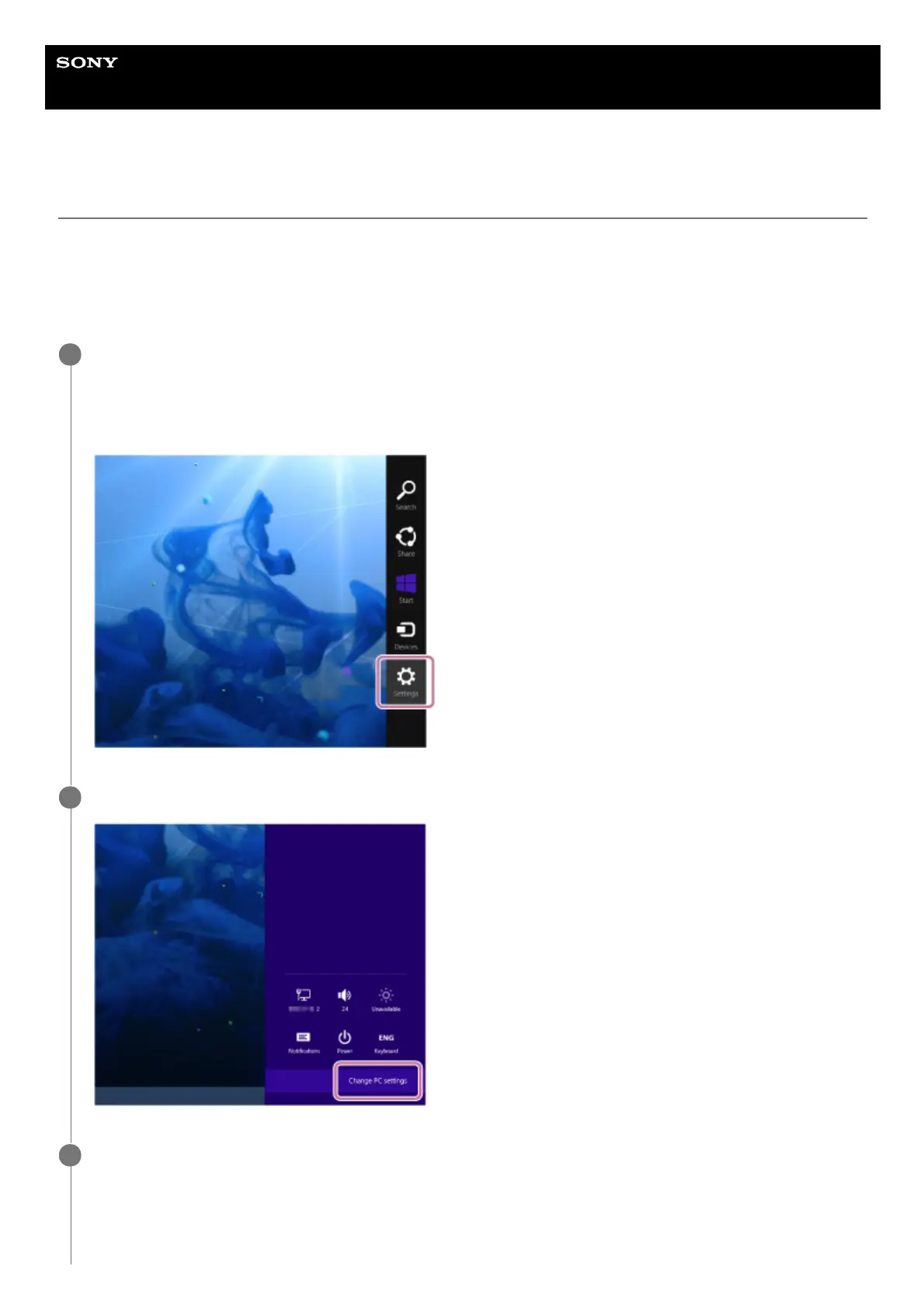
Move the mouse pointer to the top-right (or bottom-right) corner of the screen to display the charms, then
select [Settings].
In the case of a touch panel, display the charms by swiping from the right side of the screen to the center, then
select [Settings].
1
Select [Change PC settings].
2
Select [Network].
3



 To Next Page
 Loading...







