Help Guide
Home Audio System
MHC-GT7DW
Setting your PC as a DLNA server and controller (Windows 7)
A Windows 7 PC can be used as both a DLNA server and controller.
By operating from a Windows 7 PC and DLNA controller on your home network, you can enjoy music stored in a DLNA
server (including a Windows 7 PC) on your home network with the home audio system if you set the following.
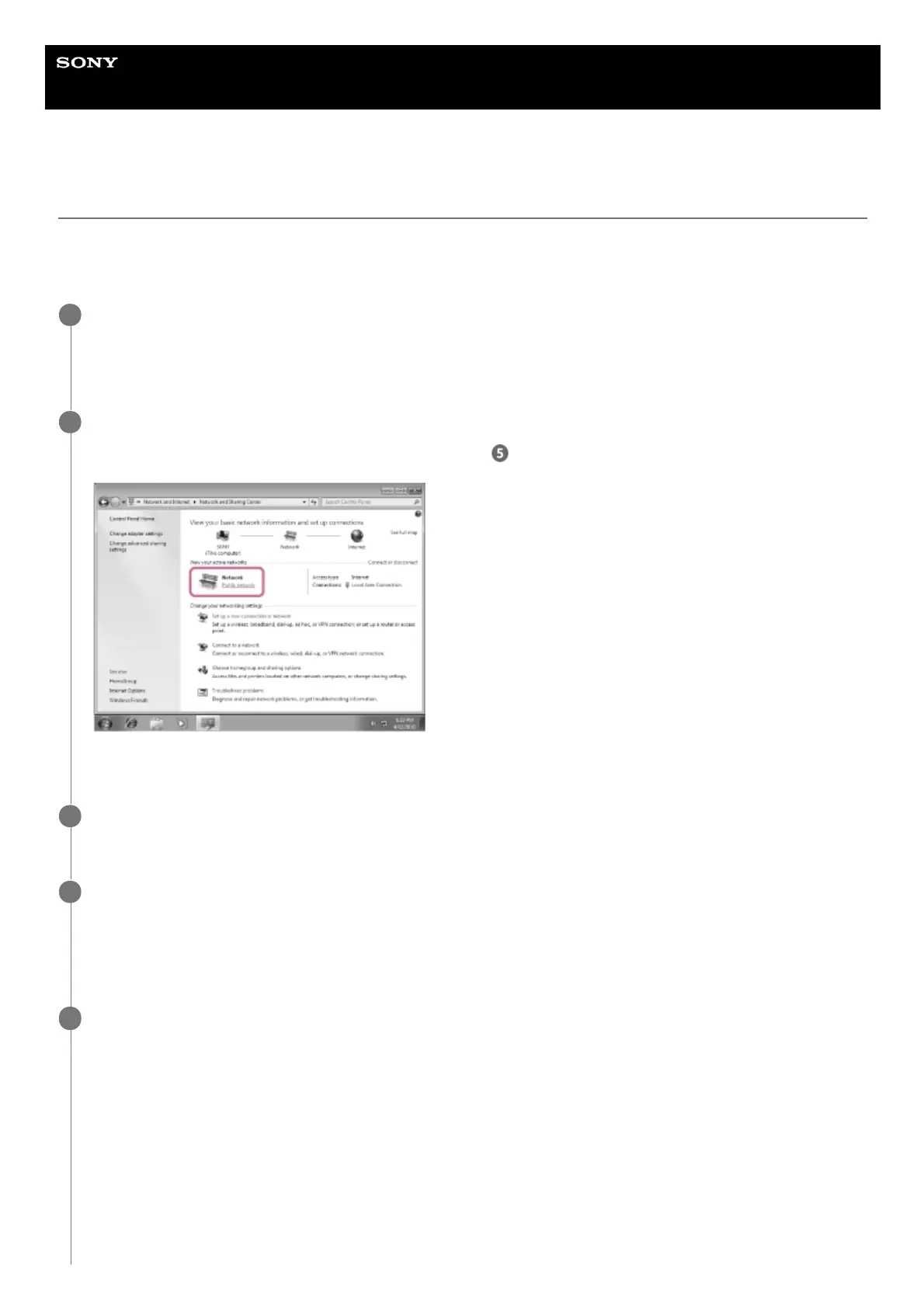
Go to [Start]-[Control Panel], then select [Network and Sharing Center].
The [Network and Sharing Center] screen appears.
If the desired item does not appear in the display, try changing the Control Panel display type.
1
Select [Public network] under [View your active networks].
If the display shows other than [Public network], go to step
.
The [Set Network Location] screen appears.
2
Select [Home network] or [Work network] according to the environment in which the home audio system is
used.
3
Follow the instructions that appear on the display according to the environment in which the home audio
system is used.
When the setting is completed, in the [Network and Sharing Center] screen, confirm that the item under [View your
active networks] has changed to [Home network] or [Work network].
4
Select [Change advanced sharing settings].
5



 To Next Page
 Loading...







