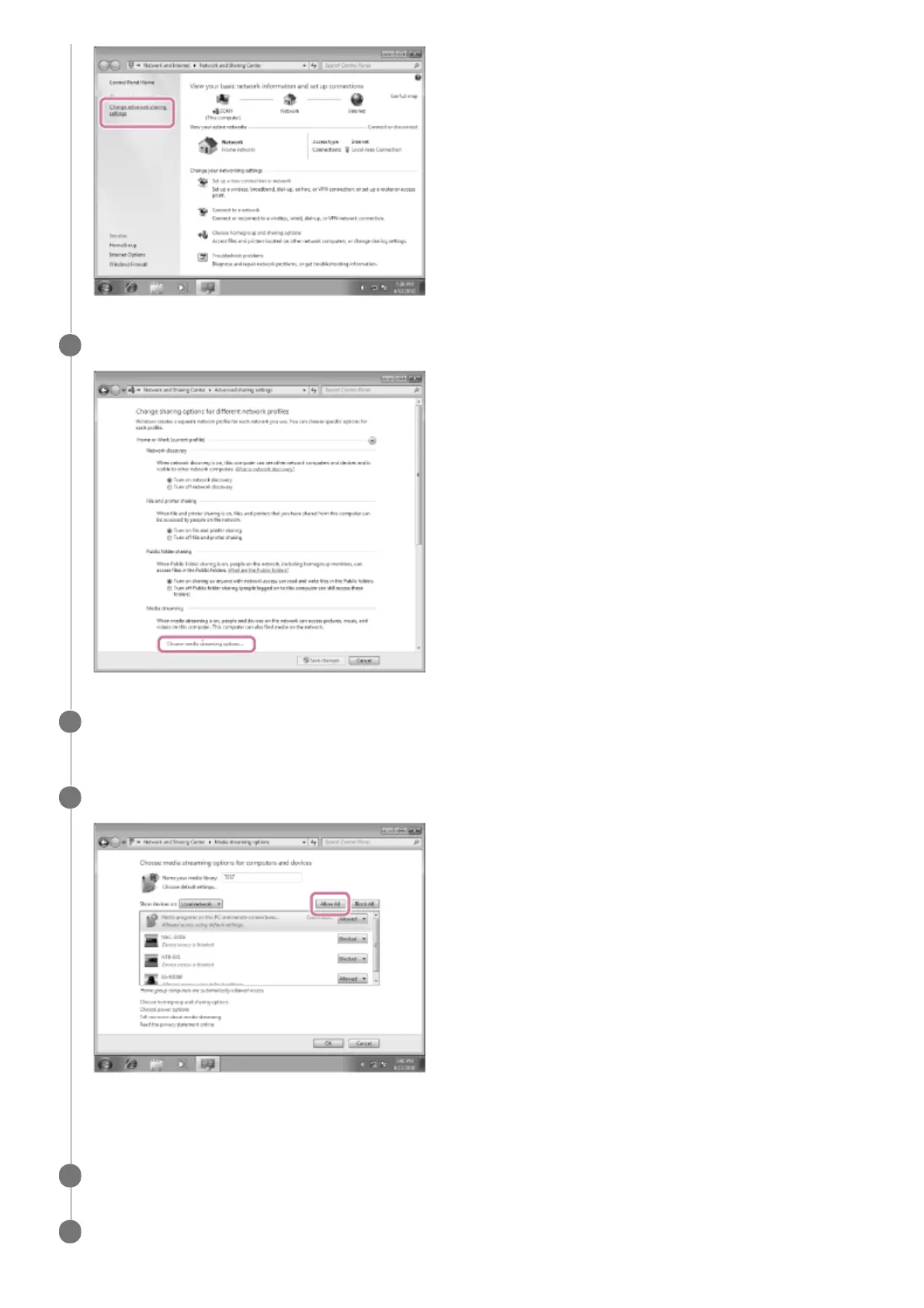
Select [Choose media streaming options…] from [Media streaming].
6
If [Media streaming is not turned on] appears in the [Media streaming options] screen, select [Turn on
media streaming].
7
Select [Allow All].
The [Allow All Media Devices] screen appears. If all the devices in the local network are allowed ([Allow]) to access
your network, select [OK] and close the screen.
8
Select [Allow all computers and media devices].
9
Select [OK] to close the screen.
10



 To Next Page
 Loading...







