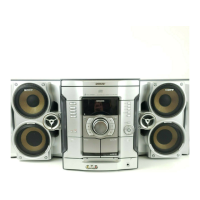
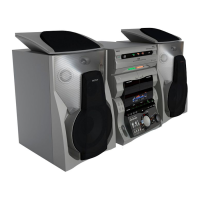
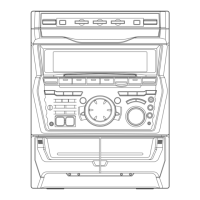
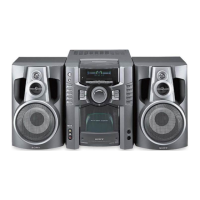
Front speaker (Left (4)[Right (4)) lbr MHC-
GX35 and MHC-RG330
Sub woofer (4) lbr MIIC-GX45 and MHC-
RG440S
When carrying this system
Perform 1he lbllowing procedure 1o protect
the CD mechanism.
1 Make sure that all discs are removed
from the system,
2 Press I/_ to turn off the system,
3 Unplug the power cord.
Placing the Sub woofer
(MHC-GX45 and MHC-RG440S
only)
Since 1he humm_ ear cannot detect |he direction
and position where ll_e bass sound being
reproduced by a subwoofer (below 150 Hz)
comes from, you can place the subwoot_r
wherever you like in your room. To obtain a
better bass reproduction, we recommend you lo
place |he subwoolEr on a solid floor where
resonance is unlikely to occur.
Notes
• Always place the subwootar vertically, keeping it a
few centimeters away from the wal!.
• If the subwoofer is placed in 1he center of a room, 1he
bass could be extremely weakened. This is due to 1he
influence of the standing wave of the room. If this
happens, move the subwoot_r away tkom _he center
oflhe morn or eliminate the cause oflhe standing
wave, by placing a bookshelf against the wa|l, etc.
1 Press I/_) to turn on the system.
2 Press CLOCK/TIMER SET.
3 Press _ or _ repeatedly to set the
hour.
4 Press ENTER.
5 Press _ or _ repeatedly to set the
minute.
6 Press ENTER.
The clock starts working.
To adjust the clock
1 Press CLOCK/TIMER SET,
2 Press _ or _ to select "CLOCK SET",
then press ENTER.
3 Do the same procedures as step 3 to 6
above.
Note
The clock settings are canceled when you disconnect
the power cord or if a power Pailure occurs.
8GB



 To Next Page
 Loading...