10
About the connection
indicator
The indicator appears in the display of
this unit during BLUETOOTH
connection.
Notes
• For details on the settings of mobile
phones, see their respective manuals.
• Up to 8 passkeys can be stored. Storage
of a passkey after the 8th will result in the
automatic deletion of the oldest passkey.
Tip
You can delete all passkeys on a connected
mobile phone. From the top menu, select
“Phone” c “Phone Settings” c “Connect
Phone” c “Clear Connecting Info.”
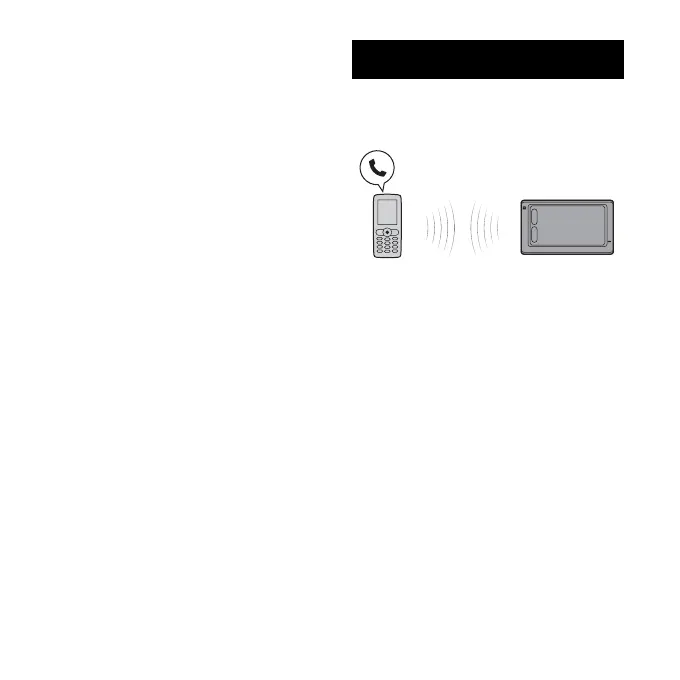
Hands-free talking
Check that this unit and the mobile
phone are connected beforehand
(
page 7).
Note
The microphone of this unit is located on the
top left of the front panel. Do not mask the
microphone with tape, etc.
Tip
You can switch a call received on your
mobile phone to the unit. Select “Use
Hands-free” from the call menu. Similarly,
you can switch a call received on the unit to
your mobile phone. Select “Use Mobile
Phone” in the display during the call.


 To Next Page
 Loading...