7
NSX-24GT1
4-199-355-13(1)
C:\work\btv\ReferenceGuide\Asura_rev0615\4199355131\4199355131NS
X24GT1U2\020WAR.fm
masterpage:Right
Attaching the
Table-Top Stand
Refer to the supplied Table-Top
Stand leaflet for proper
attachment.
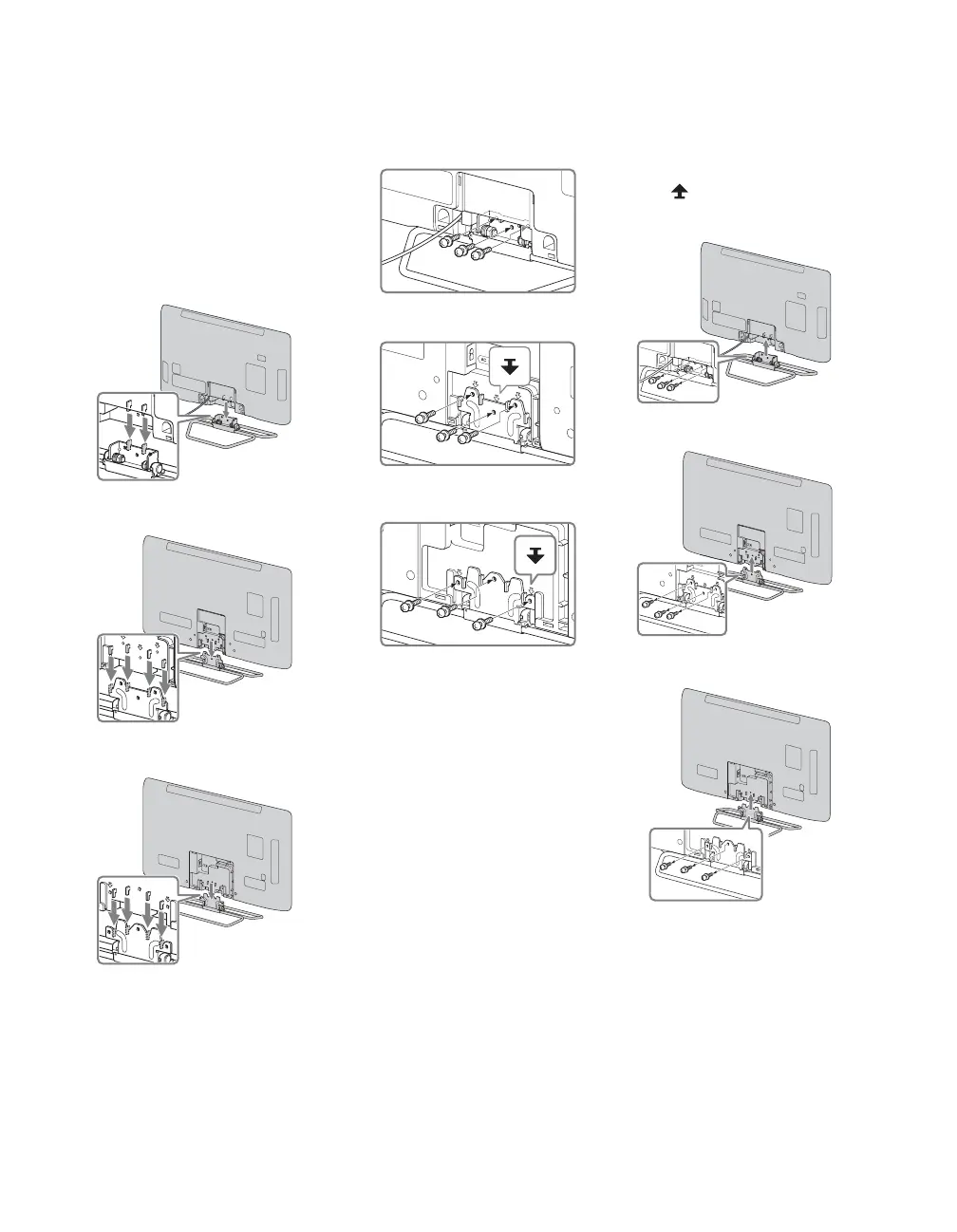
1 Gently slide the TV onto the
Table-Top Stand and align the
screw holes.
• Do not put stress on the LCD panel
or the frame around the screen.
• Be careful to not pinch your hands
or the AC power cord when you
install the TV to the Table-Top
Stand.
2 Use the supplied screws to
attach the TV to the Table-Top
Stand.
• If you use an electric screwdriver,
set the tightening torque at
approximately 1.5 N·m {15 kgf·cm}.
3 After all the screws are
tightened, cover the Table-Top
Stand with the supplied Cable
cover.
Detaching the
Table-Top Stand
from the TV
Remove only the screws marked
with on the TV.
• Remove the Cable cover prior to
detaching the Table-Top Stand.
• Do not remove the Table-Top Stand
for any reason other than to install
corresponding accessories on the TV.
• When installing the TV on a wall,
remove the screws from the rear of the
TV. (They are fastened in the screw
holes for wall mounting.) Be sure to
store the removed screws in a safe
place, keeping them away from
children.
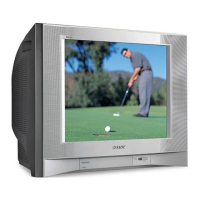
NSX-24GT1
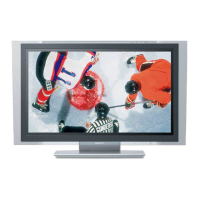
NSX-32GT1
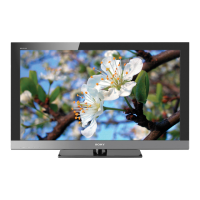
NSX-40GT1/NSX-46GT1
NSX-24GT1
NSX-32GT1
NSX-40GT1/NSX-46GT1
NSX-24GT1
NSX-32GT1
NSX-40GT1/NSX-46GT1
010COV.book Page 7 Thursday, June 17, 2010 4:03 PM




 To Next Page