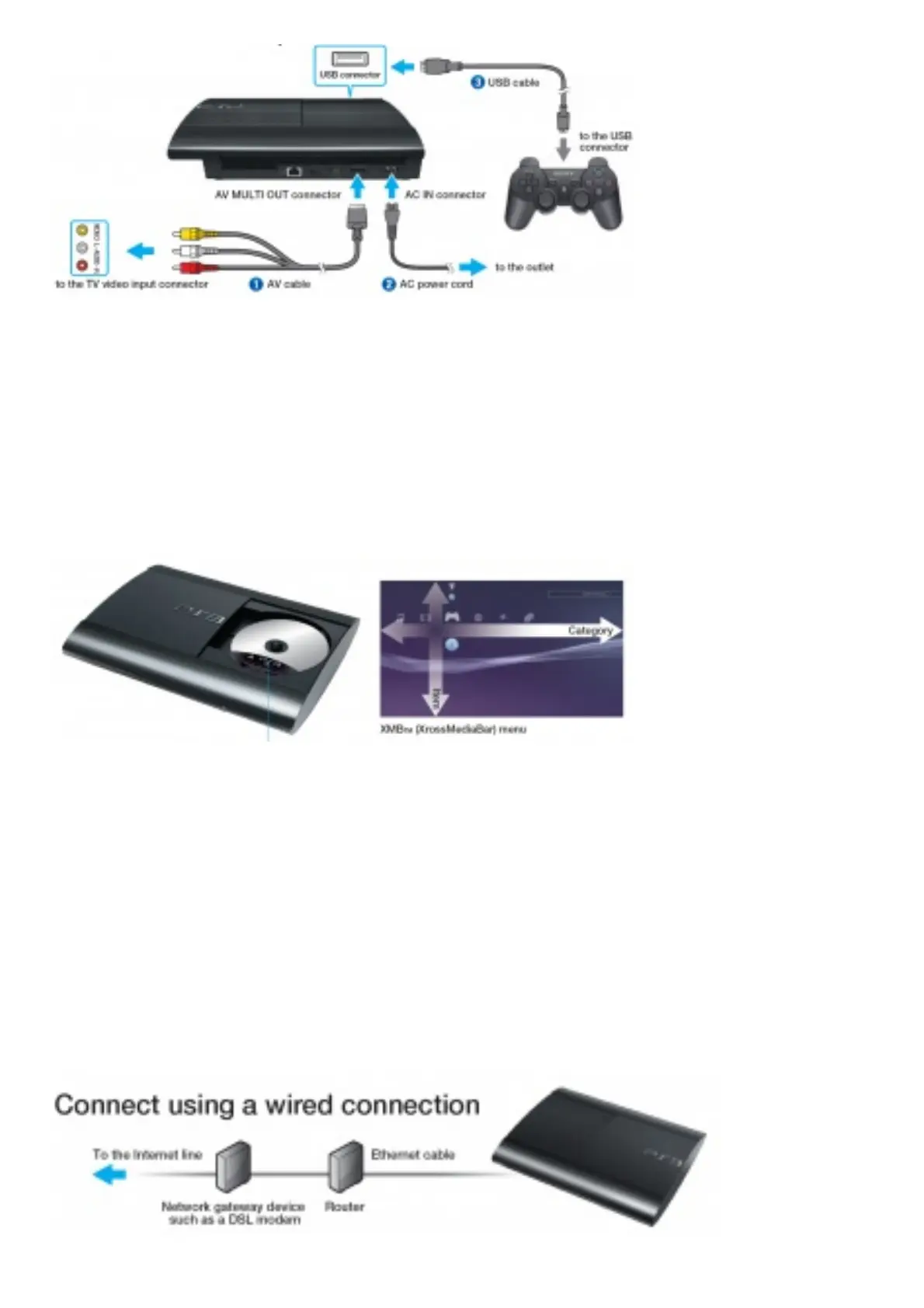
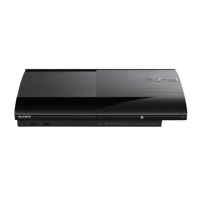
1. Connect your PS3TM system to a TV. For high definition output, connect the TV and the PS3TM system using
an HDMITM cable (sold separately). to the outlet
2. Turn on the TV and then select the appropriate input.
3. Press the power button to turn on the PS3TM system. If video is not displayed, turn off the PS3TM system, and
then turn it on again by pressing the power button for at least five seconds (until the system beeps a second
time).
4. Press the PS button on the wireless controller.
5. Follow the on-screen instructions to perform the initial setup.
Playing disc content
Insert the disc with the label side facing up.
1. Open the disc cover and insert the disc.
To open the disc cover, you can either press the (open) button or manually slide the disc cover to the left. Push
the disc into place until you hear a click. Insert the disc with the label side facing up.
2. Slide the disc cover closed.
When you close the disc cover, the disc will automatically start playing. If the disc does not automatically start,
select the icon for the disc from the XMBTM menu, and then press the button.
To quit a game, press the PS button on the controller and then select (Quit Game). To quit playing other types
of discs, press the button on the controller.
Saved data for PlayStation®3 format software is saved in the system storage. To display the data, go to
(Game) (Saved Data Utility(PS3TM)).
Connect to the network




 To Next Page