1. Connect an Ethernet cable (sold separately) to the PS3TM system.
2. Select (Settings) (Network Settings) [Internet Connection Settings]
3. . Select [Easy].
4. Check that the settings are correct, and then save the settings.
Using PSNSM
PSNSM gives you instant access to a variety of services, including online gaming, downloadable games, movies and
content from (PlayStation®Store) and chat facilities under (Friends). To use PSNSM, you must have a Sony
Entertainment Network account. To create an account, select (Sign Up) under (PSN) and follow the on-screen
instructions. PSNSM and PlayStation®Store not available in all countries and languages, see
eu.playstation.com/legal for details. Broadband internet connection required. Users are responsible for broadband
internet connection fees. Users must be 7 years or older and users under 18 require parental consent. Charges
apply for some content and/or services. Registration also possible via web browser at eu.playstation.com.
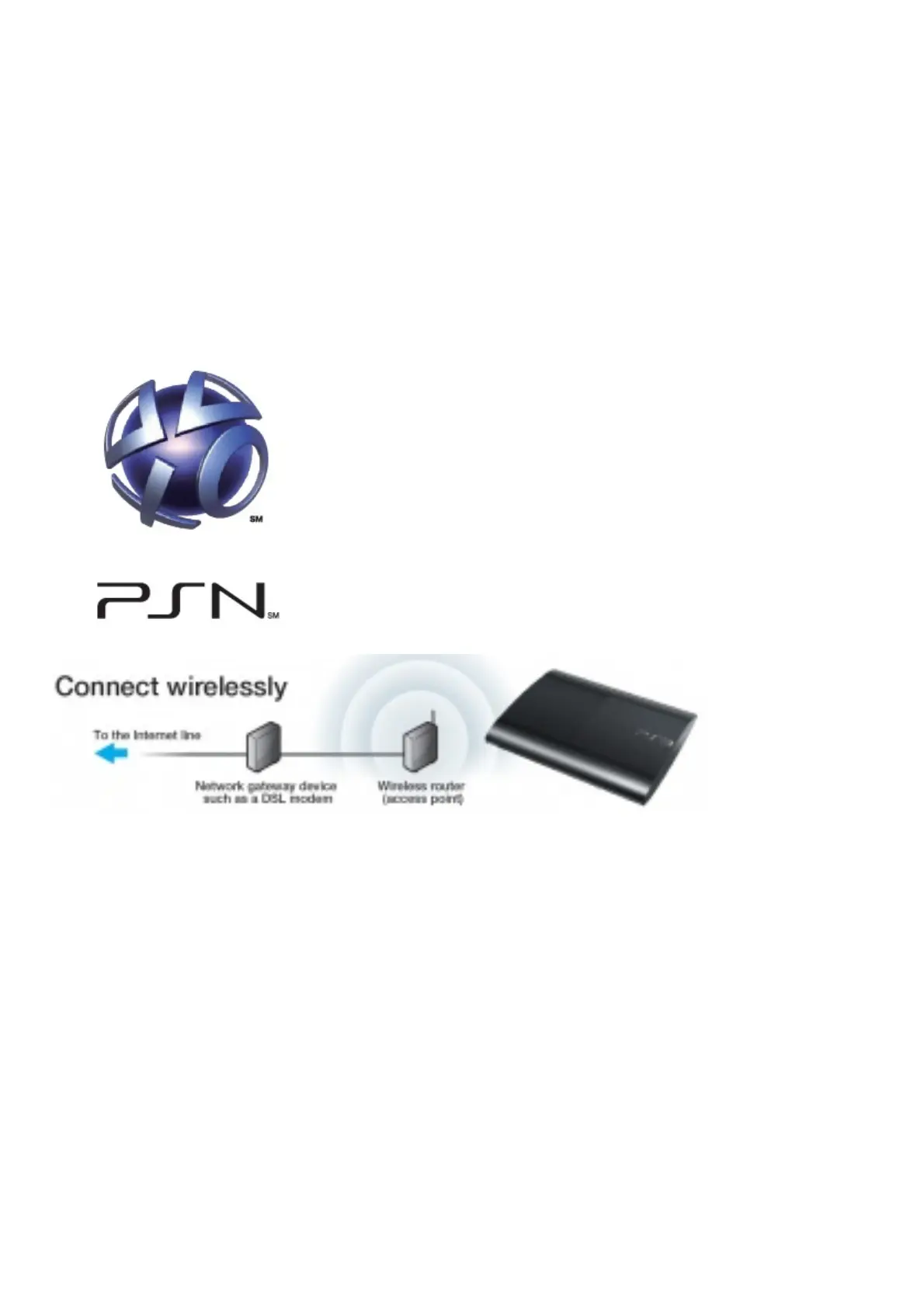
1. Select (Settings) (Network Settings) [Internet Connection Settings].
2. Select [Easy] [Wireless] [Scan].
3. Select the access point you want to use.
4. Check that the SSID is correct and press the right button
5. Select the type of encryption key.
6. Enter the encryption key. Press the button to display the keyboard.
7. Enter the encryption key and then select [Enter]. Check that the settings are correct, and then save the settings.














 To Next Page