EasyManua.ls Logo

Sony RM-E700 - Page 49

Sony RM-E700
58 pages
Print Icon
To Next Page IconTo Next Page
To Previous Page IconTo Previous Page
Loading...
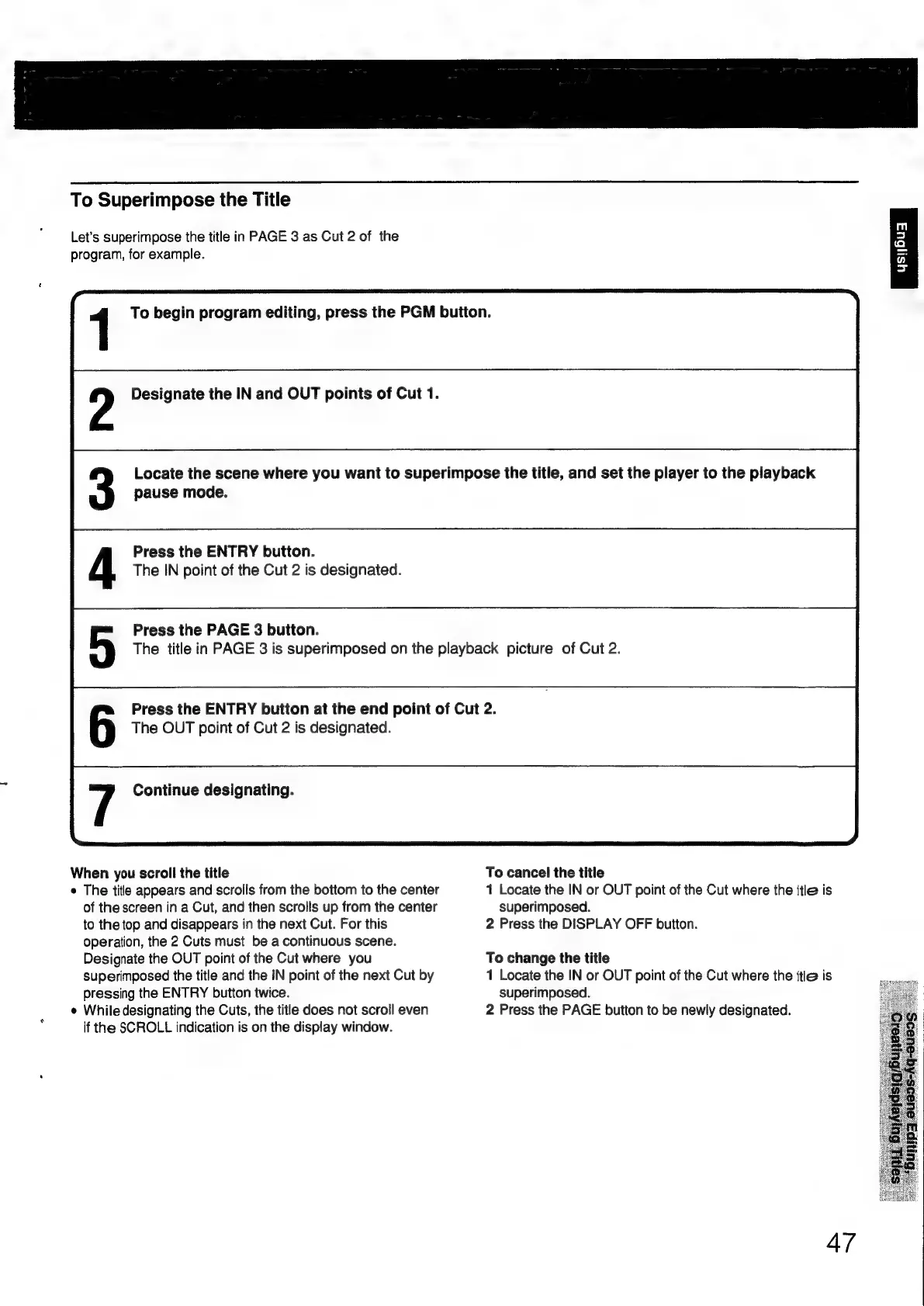
To
Superimpose
the
Title
Let's
superimpose
the
title
in
PAGE
3
as
Cut
2
of
the
program,
for
example.
1
To
begin
program
editing,
press
the
PGM
button.
Designate
the
IN
and
OUT
points
of
Cut
1.
Locate
the
scene
where
you
want
to
superimpose
the
title,
and
set
the
player
to
the
playback
pause
mode.
Press
the
ENTRY
button.
The
IN
point
of
the
Cut
2
is
designated.
Press
the
PAGE
3
button.
The
title
in
PAGE
3
is
superimposed
on
the
playback
picture
of
Cut
2.
Press
the
ENTRY
button
at
the
end
point
of
Cut
2.
The
OUT
point
of
Cut
2
is
designated.
Continue
designating.
When
you
scroll
the
title
To
cancel
the
title
e
The
title
appears
and
scrolls
from
the
bottom
to
the
center
1
Locate
the
IN
or
OUT
point
of
the
Cut
where
the
itle
is
of
the
screen
in
a
Cut,
and
then
scrolls
up
from
the
center
superimposed.
to
the
top
and
disappears
in
the
next
Cut.
For
this
2
Press
the
DISPLAY
OFF
button.
operation,
the
2
Cuts
must
be
a
continuous
scene.
Designate
the
OUT
point
of
the
Cut
where
you
To
change
the
title
superimposed
the
title
and
the
IN
point
of
the
next
Cut
by
1
Locate
the
IN
or
OUT
point
of
the
Cut
where
the
itle
is
pressing
the
ENTRY
button
twice.
superimposed.
e
While
designating
the
Cuts,
the
title
does
not
scroll
even
2
Press
the
PAGE
button
to
be
newly
designated.
if
the
SCROLL
indication
is
on
the
display
window.
47

Other manuals for Sony RM-E700

Related product manuals