10
Location of Parts and Basic Remote Operations
Parts Description
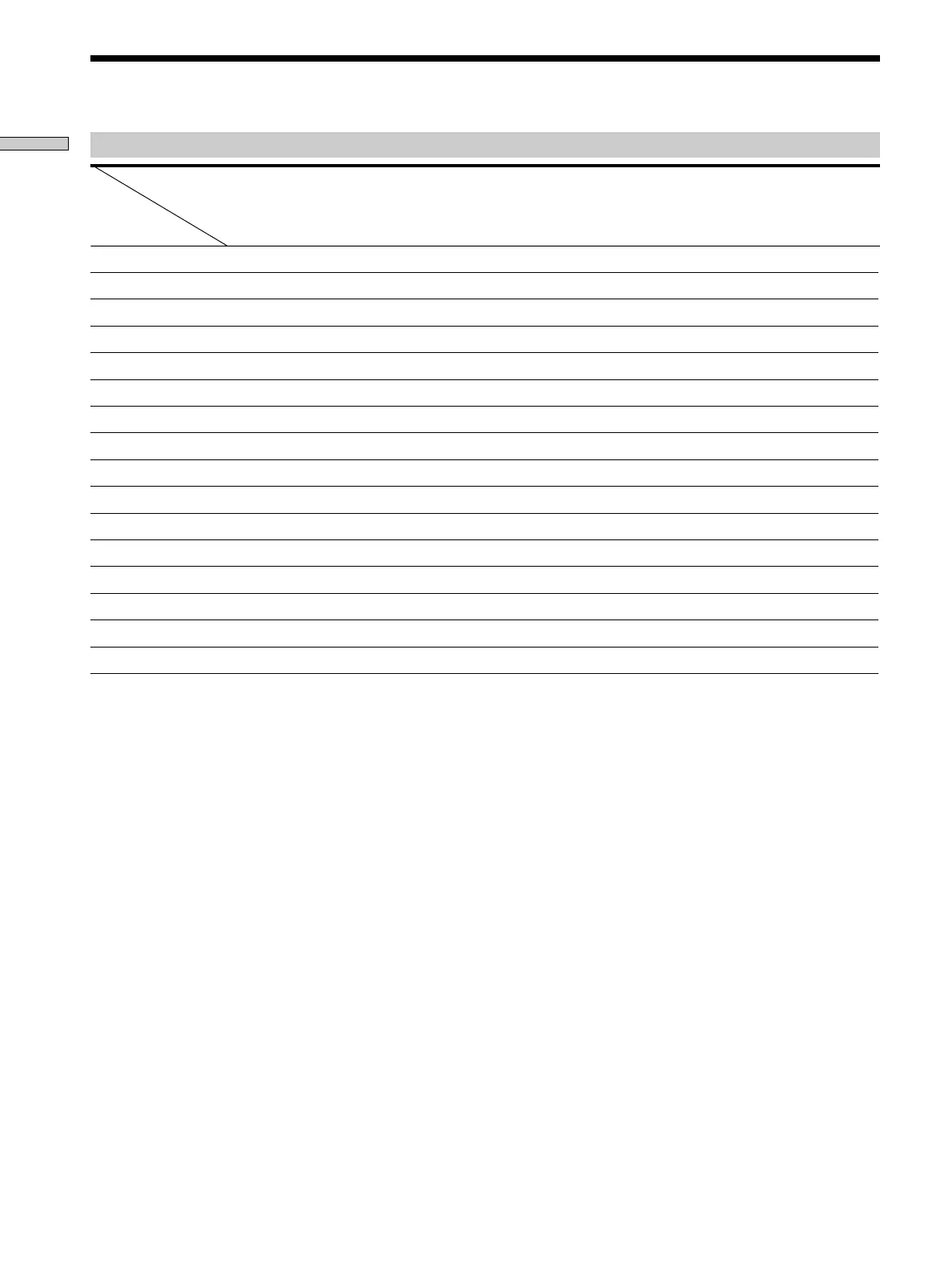
Table of buttons that you can use to control each component
Component
CD
player
DAT deck
MD deck Tape
deck (A
and B)
LD
player
VCR (VHS,
Beta, 8mm)
TV Satellite
tuner/
Cable box
Video
CD
player
DVD
player
Button(s)
AV 1/ur r rrrrrr
Numeric buttons rr r r r r r r rr
SHIFT >10 -/-- rrrrrr r
ENTER D.TUNING rrrrrrr r
9r
(rrrrr r rr
Prrrrr r rr
prrrrr r rr
=/+rrr rr rr
0/)rrrrr r rr
DISC r*
D.SKIP r*
ANT TV/VTR rr
rrrr
r + (rrr
r + 9r
*
CD player with a multi-disc changer only.
z
If you press the TV CONTROL button
The remote is set to operate only Sony TVs. In this case, only the
following buttons are operable:
• TV/VIDEO button
• CH/PRESET +/– buttons
• MASTER VOLUME +/– buttons
• MUTING button







 To Next Page