8
Preparations
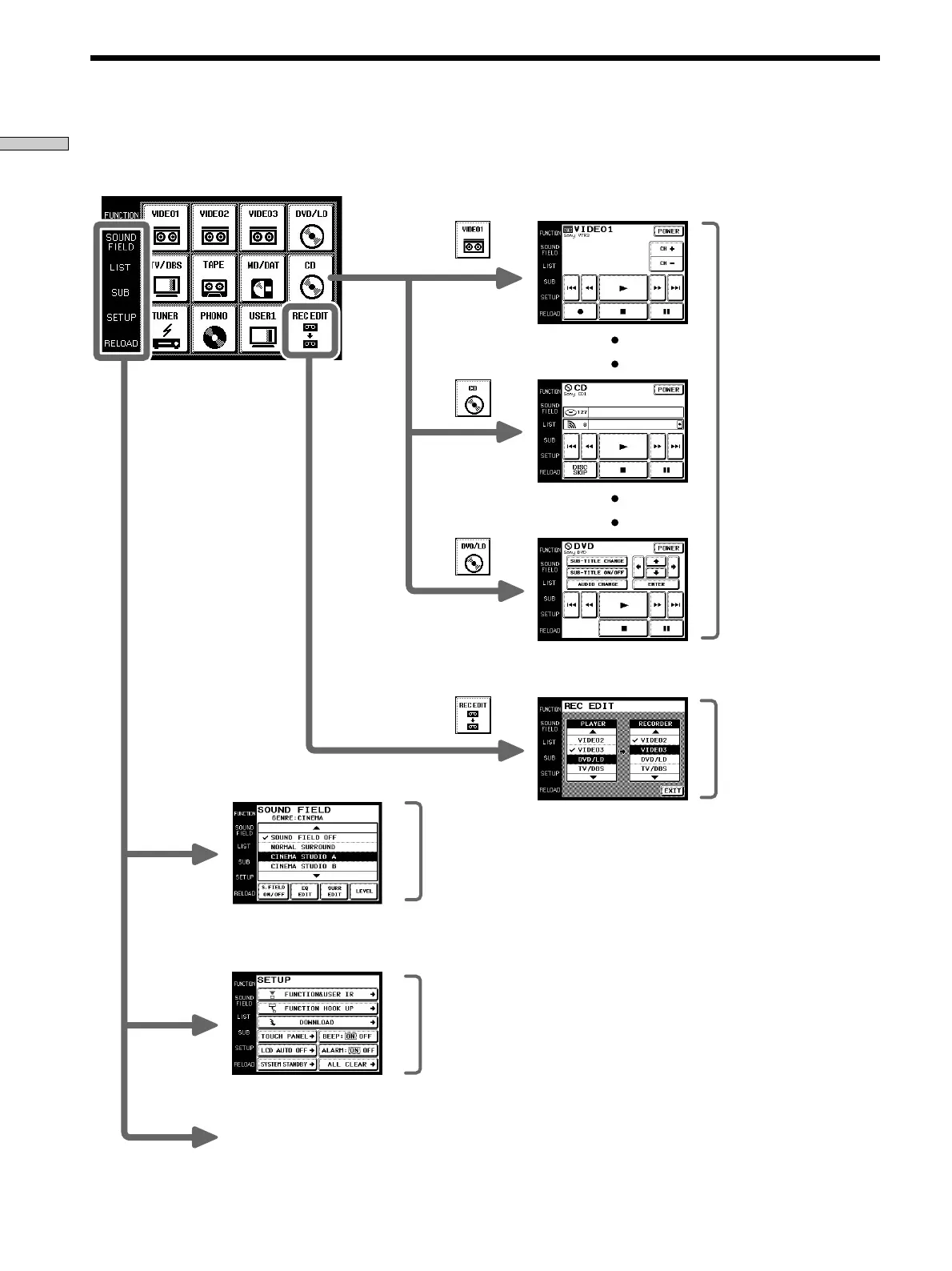
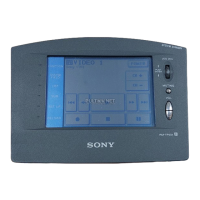
The following diagram show the basic composition of this unit’s screen hierarchy.
FUNCTION screen
Screen Hierarchy
Normally, the
FUNCTION
screen is
displayed.
To display a
different screen,
touch the left side
of the LCD.
SOUND FIELD screen
SETUP screen
Screen for selection and
adjustment of the sound fields
(see page 16~18).
Screen for setting up the
operation environment and
control of components made by
other manufacturers (page 18).
Touch when the song titles of
a CD or MD being played
back are not displayed
correctly.
Screens for selection and
operation of components
connected to the receiver.
Screen for recording audio
and video from one
component to another (see
page 15).
RELOAD...









 To Next Page