5
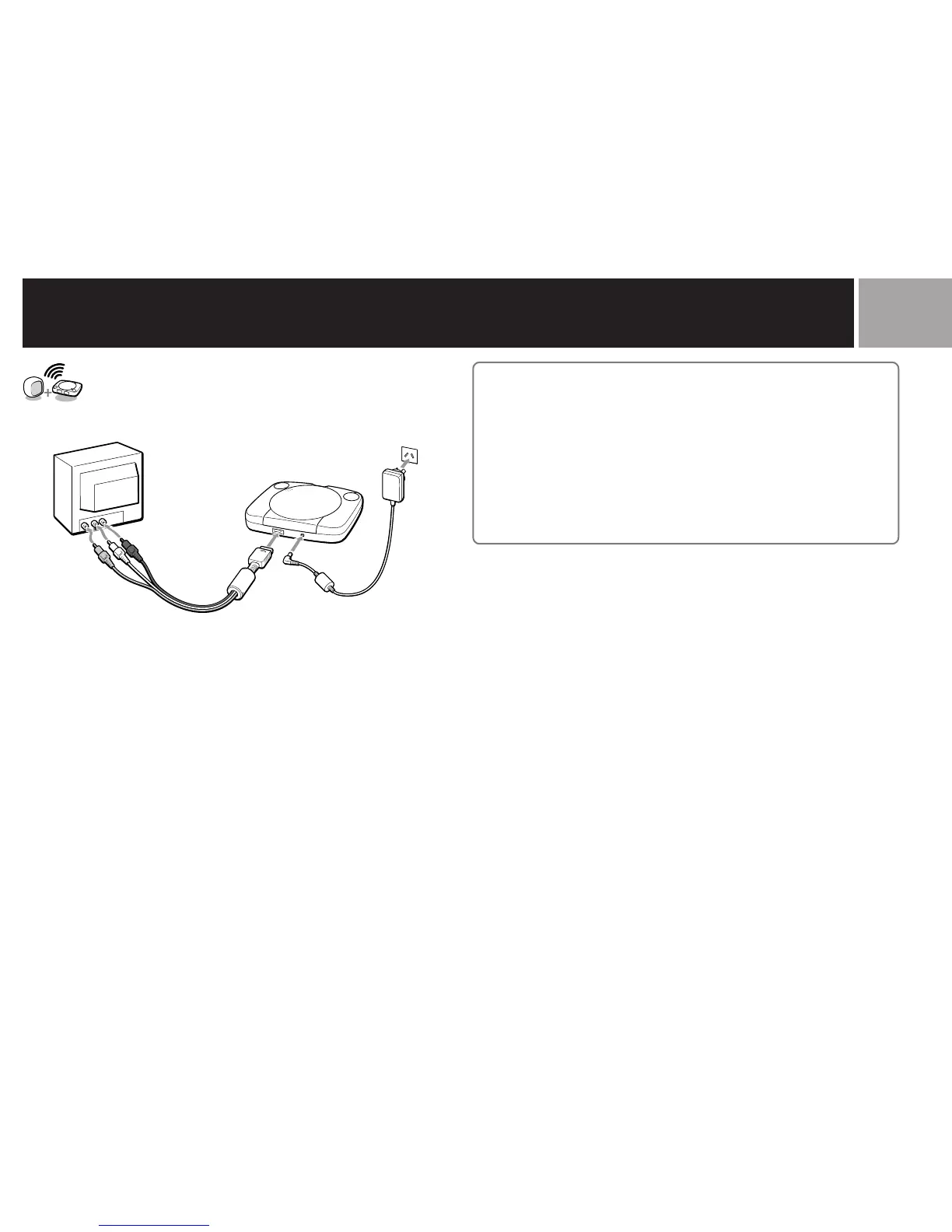
Connecting your PS one
®
console to a TV set
Connecting to a TV with audio/video inputs
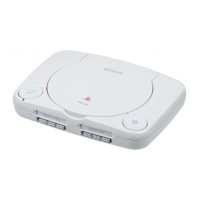
Connect your PS one® console to the TV using the supplied AV cable
(integrated audio/video), making sure you match the colours on the plugs
and terminals.
If your TV is monaural, do not connect the red plug. If you want to hear
both left and right sounds from a monaural TV, use a commercially
available dual-phono to single-phono (stereo to monaural) type audio
cable.
After connecting
Set your TV to the appropriate video input mode. (Refer to the instruction
manual of your TV.)
IMPORTANT INFORMATION
For the customers in Australia and New Zealand
A small number of television sets or monitors may display a bouncing or
other incorrect screen effect when connected to the PS one® console. Any
applicable warranties offered by Sony Computer Entertainment Europe may
be limited or disclaimed in such particular cases. Should you experience any
difficulties with your PS one® console, please contact the appropriate
PlayStation® customer service helpline which can be found:
– on the customer registration card;
– within every PlayStation® format software manual.




 To Next Page