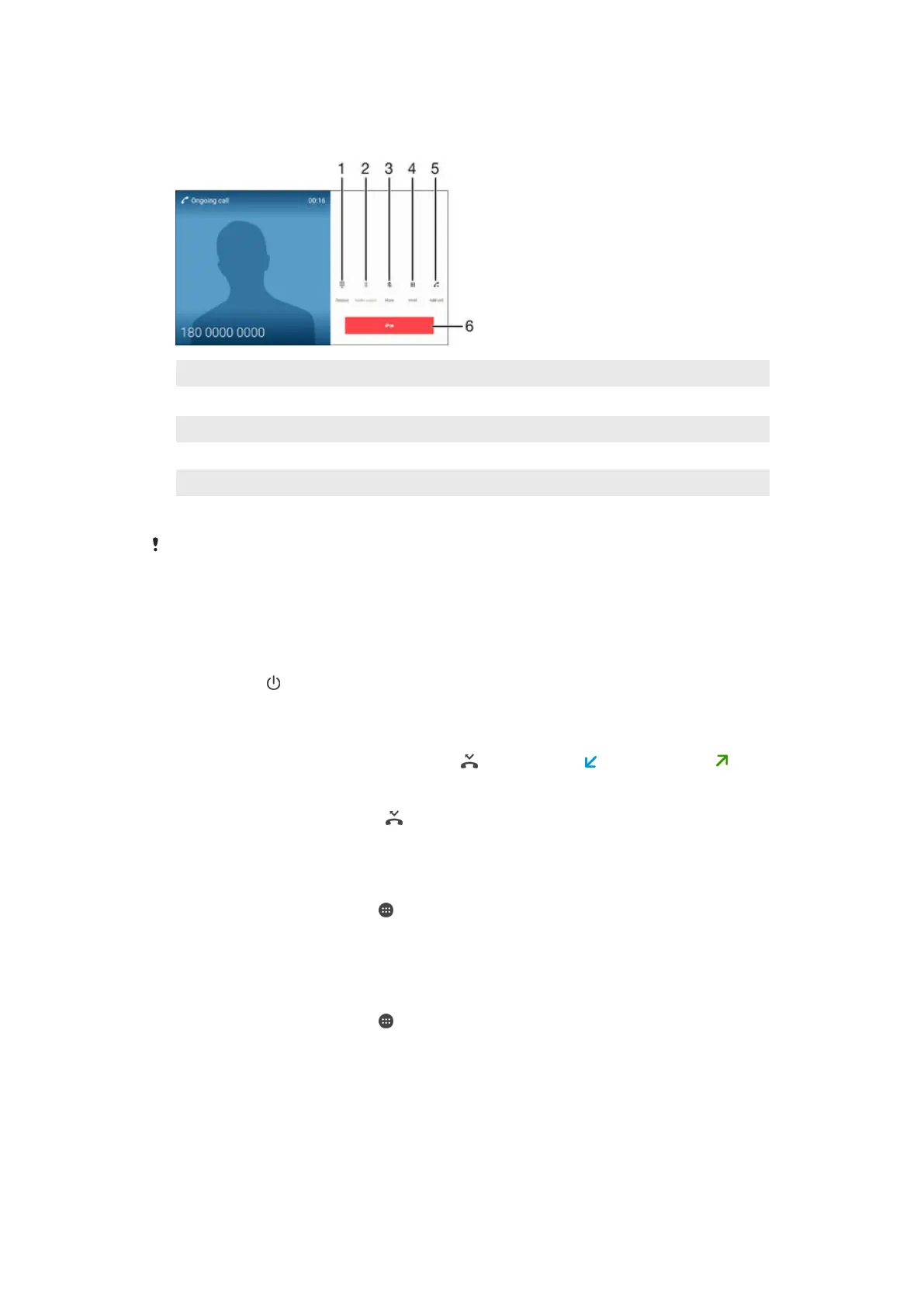
Ongoing calls
1 Enter numbers during a call
2
Toggle sound to a Bluetooth
®
headset
3 Mute the microphone during a call
4 Put the current call on hold or retrieve a call on hold
5 Make a second call
6 End a call
Your device does not have an ear speaker. Use the loudspeaker or connect a headset during a
call.
To change the volume during a call
•
Press the volume key up or down.
To activate the screen during a call
•
Briefly press .
Using the call log
In the call log, you can view missed calls , received calls and dialled calls .
To view your missed calls
1
When you have missed a call,
appears in the status bar. Drag the status bar
downwards.
2
Tap Missed call.
To call a number from your call log
1
From your Home screen, tap
.
2
Find and tap Phone. The call log is displayed.
3
To call a number directly from the call log, tap the number. To edit a number
before calling, touch and hold the number, then tap Edit number before call.
To add a number from the call log to your contacts
1
From your Home screen, tap .
2
Find and tap Phone. The call log is displayed.
3
Touch and hold a number displayed in the call log, then tap Add to Contacts.
4
Select an existing contact to which you want to add the number, or tap Create
new contact.
5
Edit the contact details, then tap Done.
56
This is an Internet version of this publication. © Print only for private use.














 To Next Page